
Panier vide

Xbox Gift Card $100 (USA)
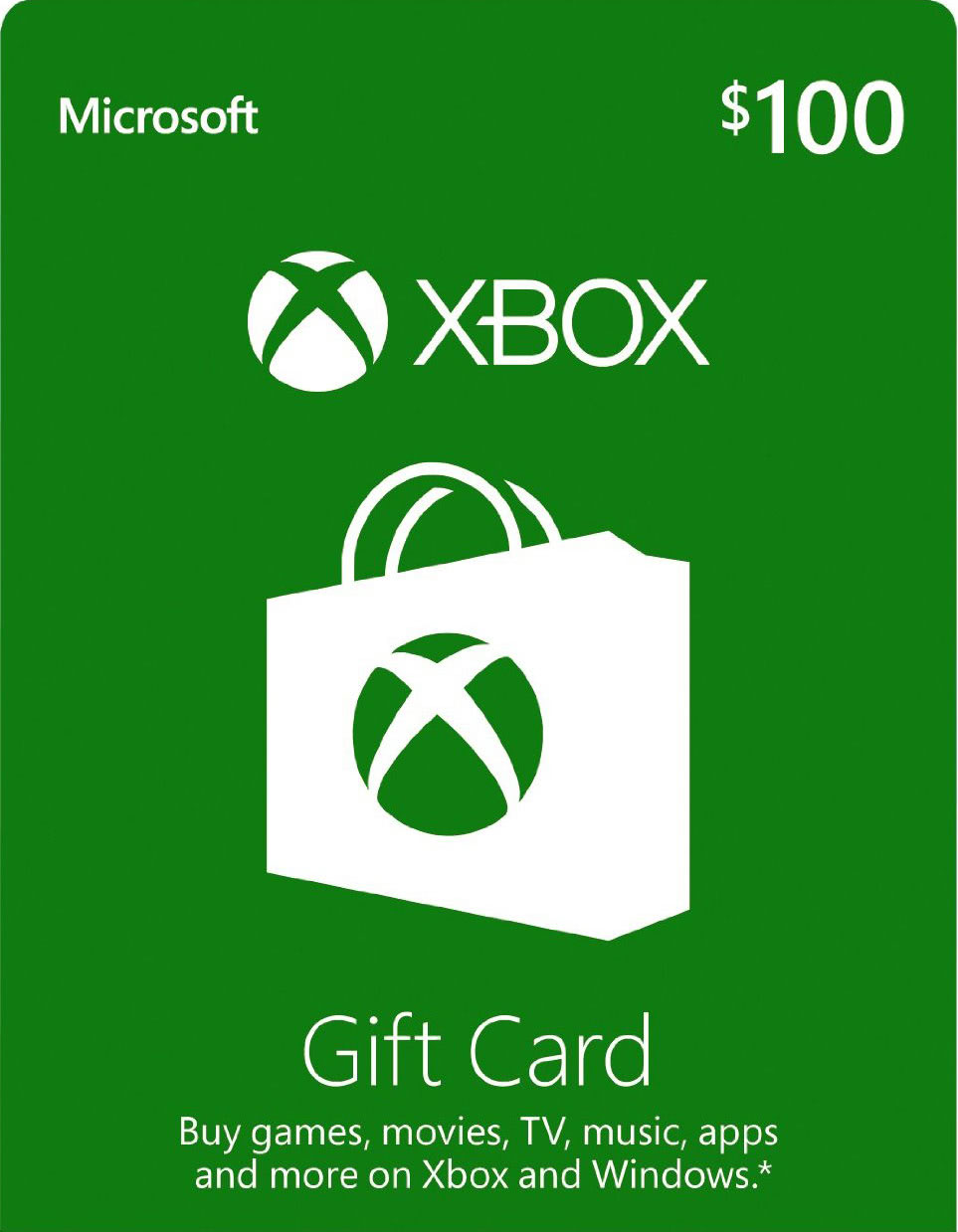
Cette carte-cadeau Xbox de 100 $ est uniquement utilisable sur les comptes Xbox et Microsoft Windows Store américains !
Offrez une carte cadeau Xbox pour jouer et vous divertir sur Xbox et Windows. Achetez les derniers jeux, films et bien plus encore sur le Xbox Store et le Microsoft Store ! Téléchargez des jeux à succès pour votre Xbox et votre PC Windows !
Compatible avec les PC Windows 10, Xbox One et Xbox Series X|S (abonnement Xbox Live requis). Non valable sur les versions antérieures. Musique : Offre valable uniquement pour l’achat de titres, d’albums et d’abonnements musicaux sur PC et tablettes Windows 10 et Windows 8.1, ou pour l’abonnement musical sur Xbox One (abonnement Xbox Live requis).
Compatible avec les PC Windows 10, Xbox One et Xbox Series X|S (abonnement Xbox Live requis). Non valable sur les versions antérieures. Musique : Offre valable uniquement pour l’achat de titres, d’albums et d’abonnements musicaux sur PC et tablettes Windows 10 et Windows 8.1, ou pour l’abonnement musical sur Xbox One (abonnement Xbox Live requis).
Activation — Xbox Live
Online:
- If you have an account on Xbox Live simply log in to your account on https://redeem.microsoft.com, and enter the 25-digit code.
- If you need to get an account - Go to live.xbox.com and follow the steps to create a new account. Then go to https://redeem.microsoft.com, and enter the 25-digit code.
For Xbox One products:
- From the Home screen, scroll right to Store.
- Under Games, select Browse All Games
- Select Use a code. Or, say “Xbox, use code.” (if you have Kinect)
-
If prompted, sign in and select Enter the 25-character code.
-
Use the onscreen keyboard to enter your 25-character code. Don’t worry about hyphens, the system takes care of those for you.
-
Once your code is redeemed, you’ll receive a confirmation message.
For Xbox 360 products:
- Sign in to Xbox Live using the account for which you want to use the prepaid code.
- Press the Guide button on your controller
- Go to Games & Apps, and then select Redeem Code.
- Enter the 25-character prepaid code, and then select Done.
- When prompted, select Yes to confirm the redemption.
Commentaires
Cette carte-cadeau Xbox de 100 $ est uniquement utilisable sur les comptes Xbox et Microsoft Windows Store américains !
Offrez une carte cadeau Xbox pour jouer et vous divertir sur Xbox et Windows. Achetez les derniers jeux, films et bien plus encore sur le Xbox Store et le Microsoft Store ! Téléchargez des jeux à succès pour votre Xbox et votre PC Windows !
Compatible avec les PC Windows 10, Xbox One et Xbox Series X|S (abonnement Xbox Live requis). Non valable sur les versions antérieures. Musique : Offre valable uniquement pour l’achat de titres, d’albums et d’abonnements musicaux sur PC et tablettes Windows 10 et Windows 8.1, ou pour l’abonnement musical sur Xbox One (abonnement Xbox Live requis).
Compatible avec les PC Windows 10, Xbox One et Xbox Series X|S (abonnement Xbox Live requis). Non valable sur les versions antérieures. Musique : Offre valable uniquement pour l’achat de titres, d’albums et d’abonnements musicaux sur PC et tablettes Windows 10 et Windows 8.1, ou pour l’abonnement musical sur Xbox One (abonnement Xbox Live requis).
Online:
- If you have an account on Xbox Live simply log in to your account on https://redeem.microsoft.com, and enter the 25-digit code.
- If you need to get an account - Go to live.xbox.com and follow the steps to create a new account. Then go to https://redeem.microsoft.com, and enter the 25-digit code.
For Xbox One products:
- From the Home screen, scroll right to Store.
- Under Games, select Browse All Games
- Select Use a code. Or, say “Xbox, use code.” (if you have Kinect)
-
If prompted, sign in and select Enter the 25-character code.
-
Use the onscreen keyboard to enter your 25-character code. Don’t worry about hyphens, the system takes care of those for you.
-
Once your code is redeemed, you’ll receive a confirmation message.
For Xbox 360 products:
- Sign in to Xbox Live using the account for which you want to use the prepaid code.
- Press the Guide button on your controller
- Go to Games & Apps, and then select Redeem Code.
- Enter the 25-character prepaid code, and then select Done.
- When prompted, select Yes to confirm the redemption.