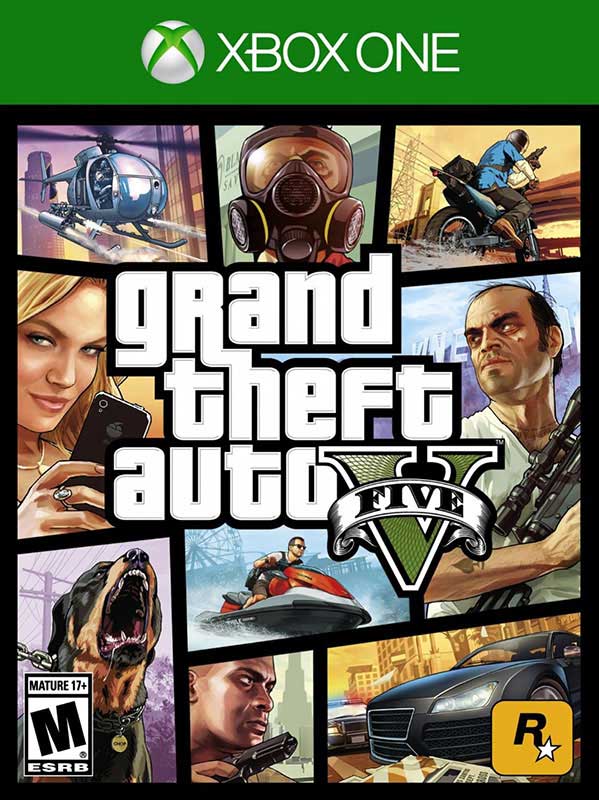
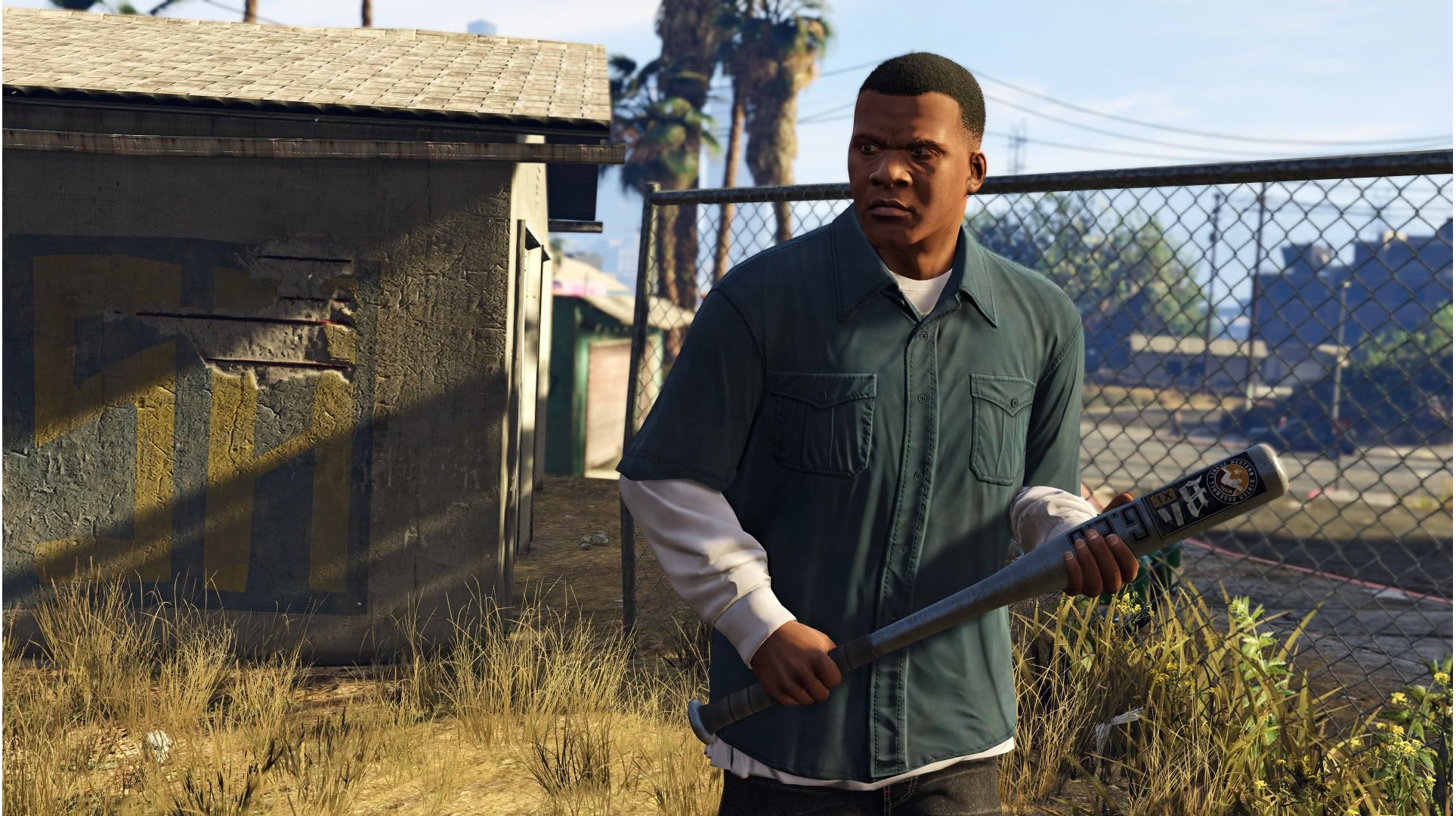
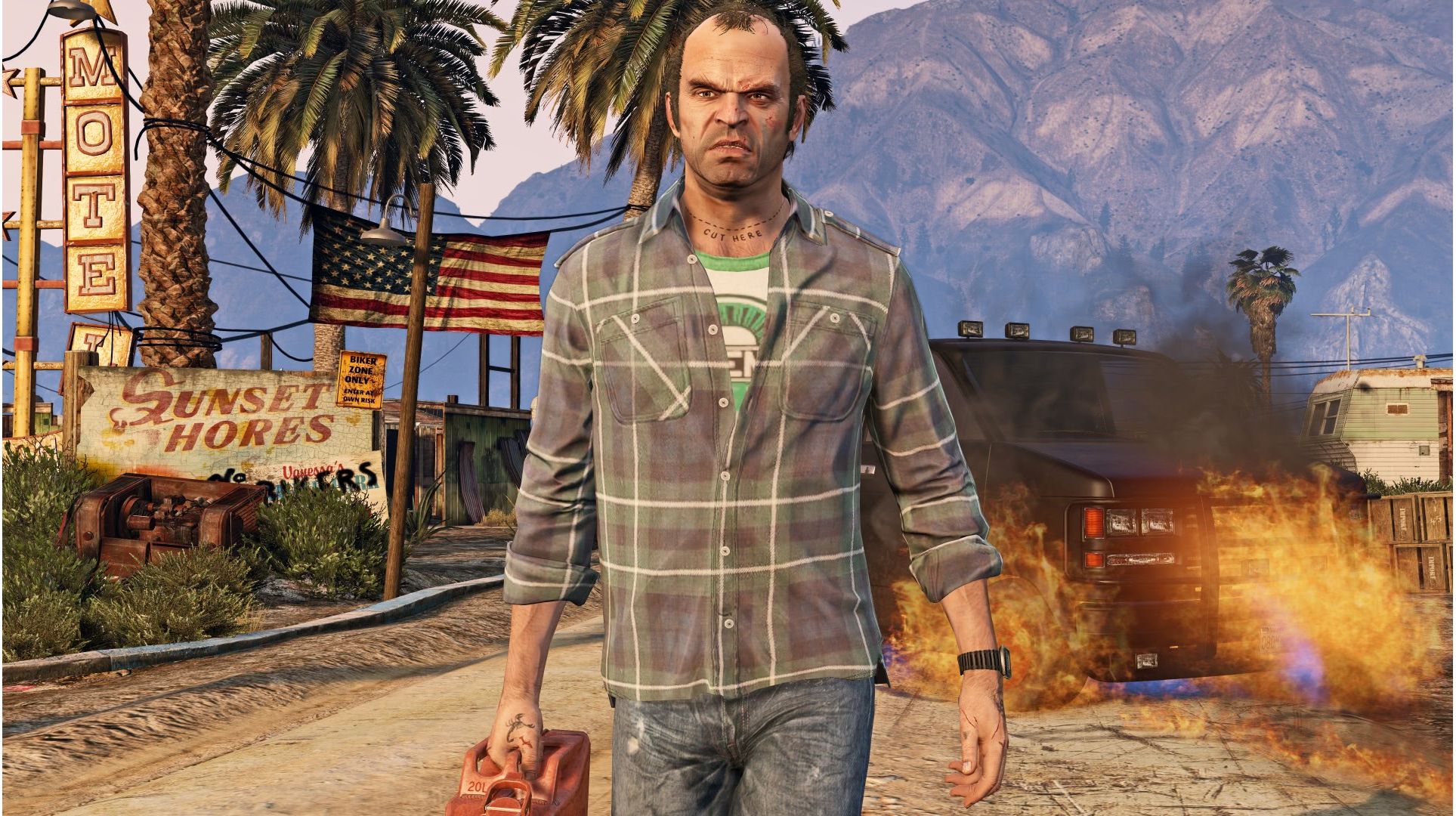
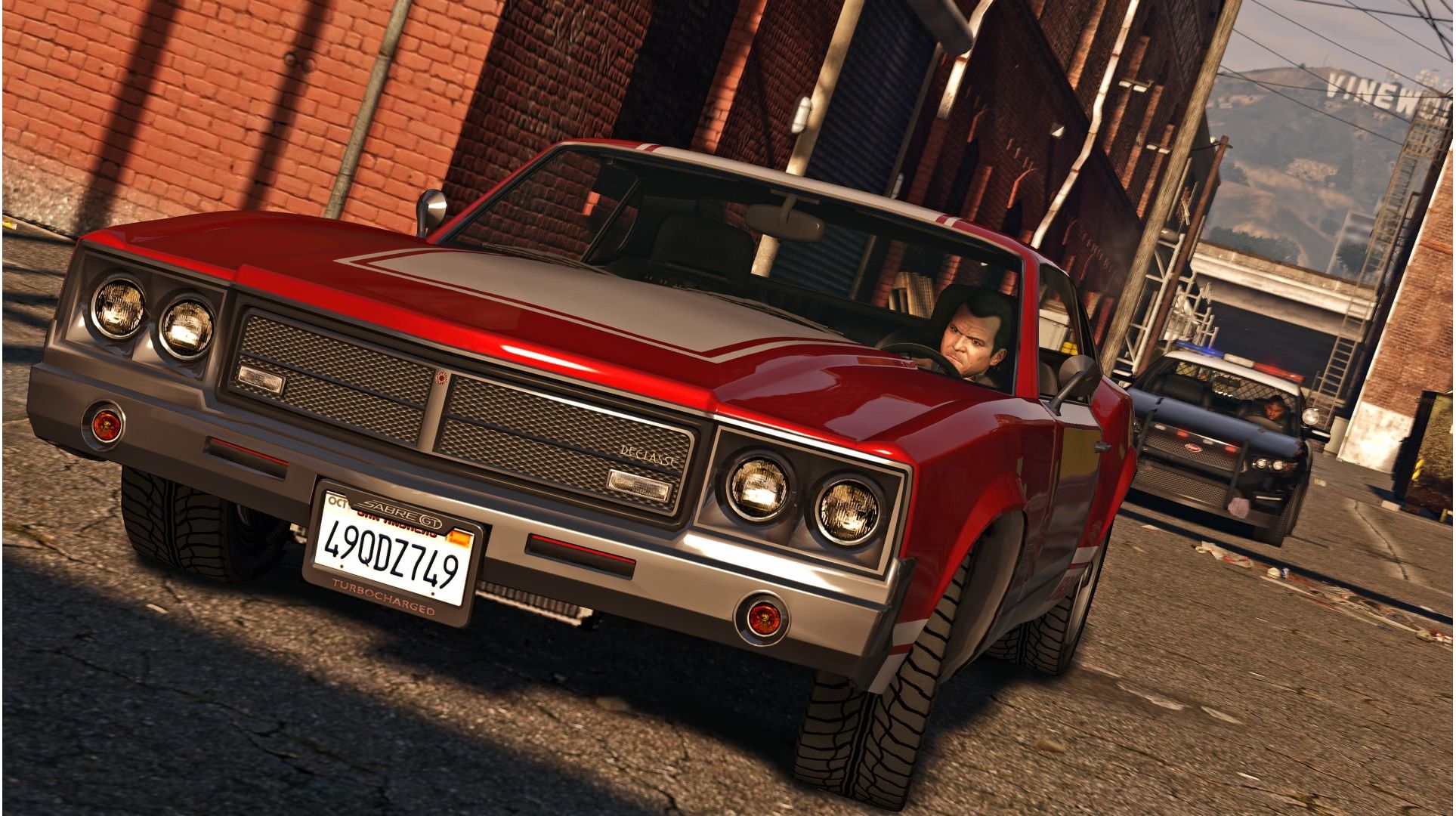
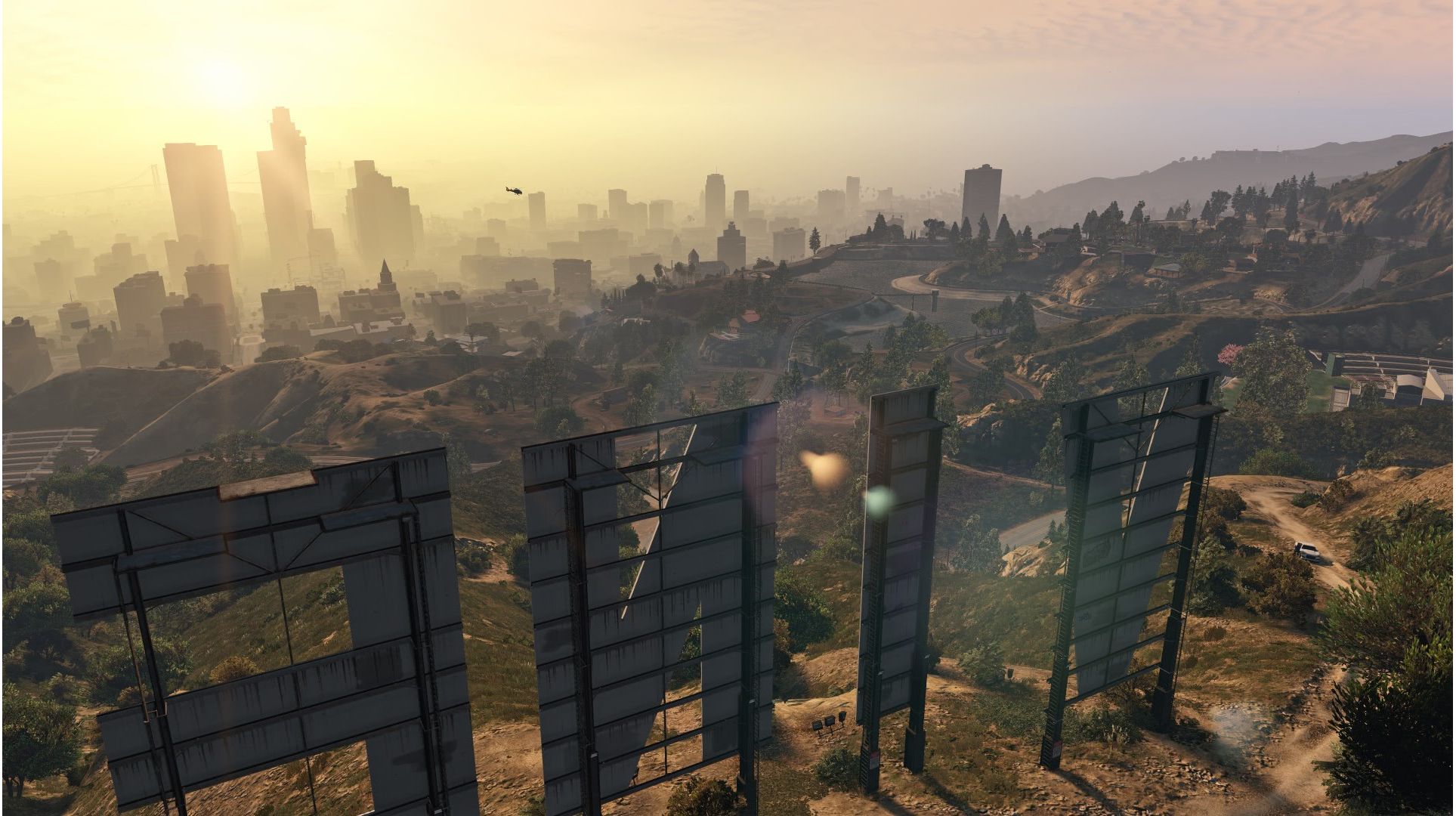
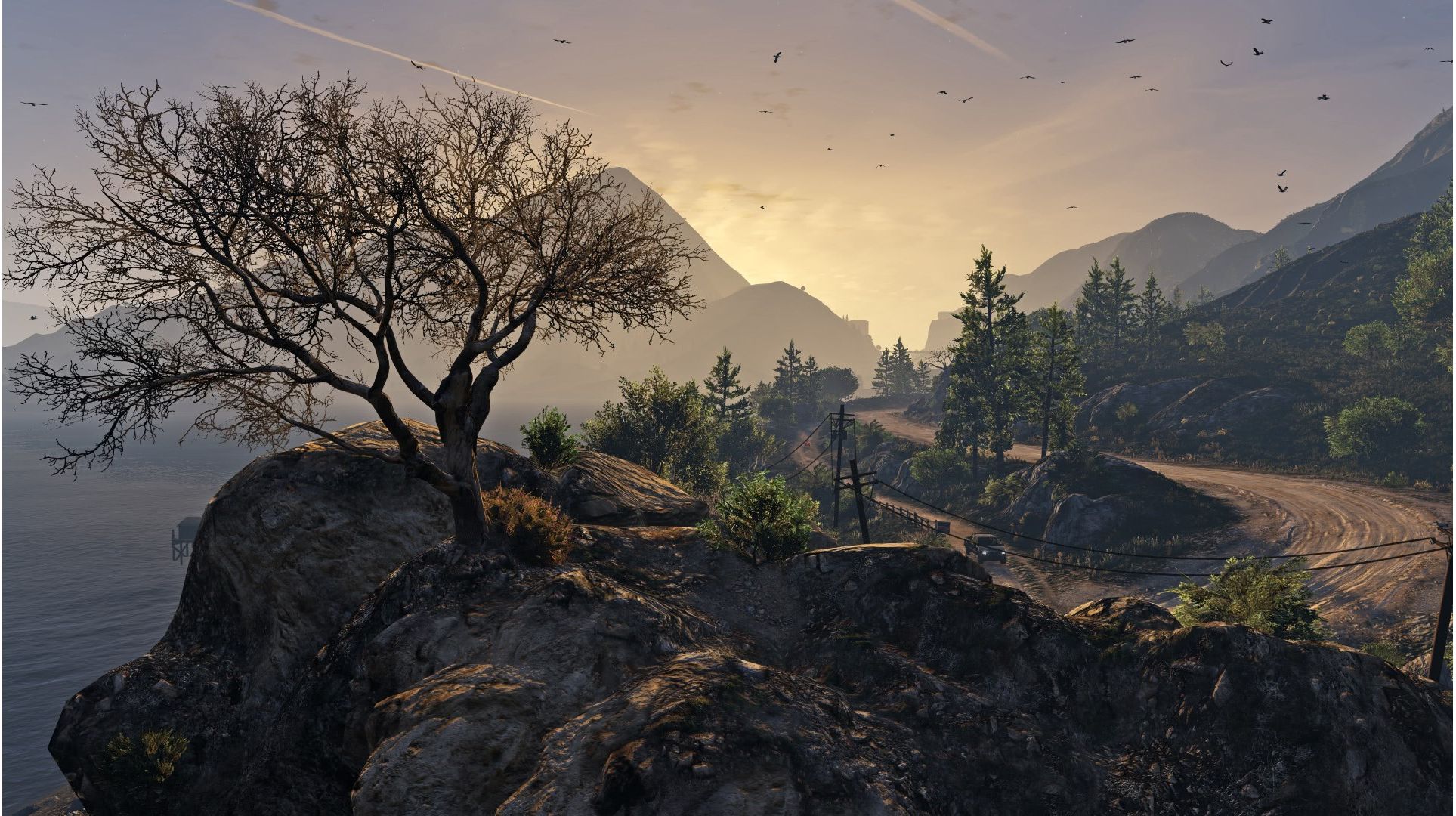
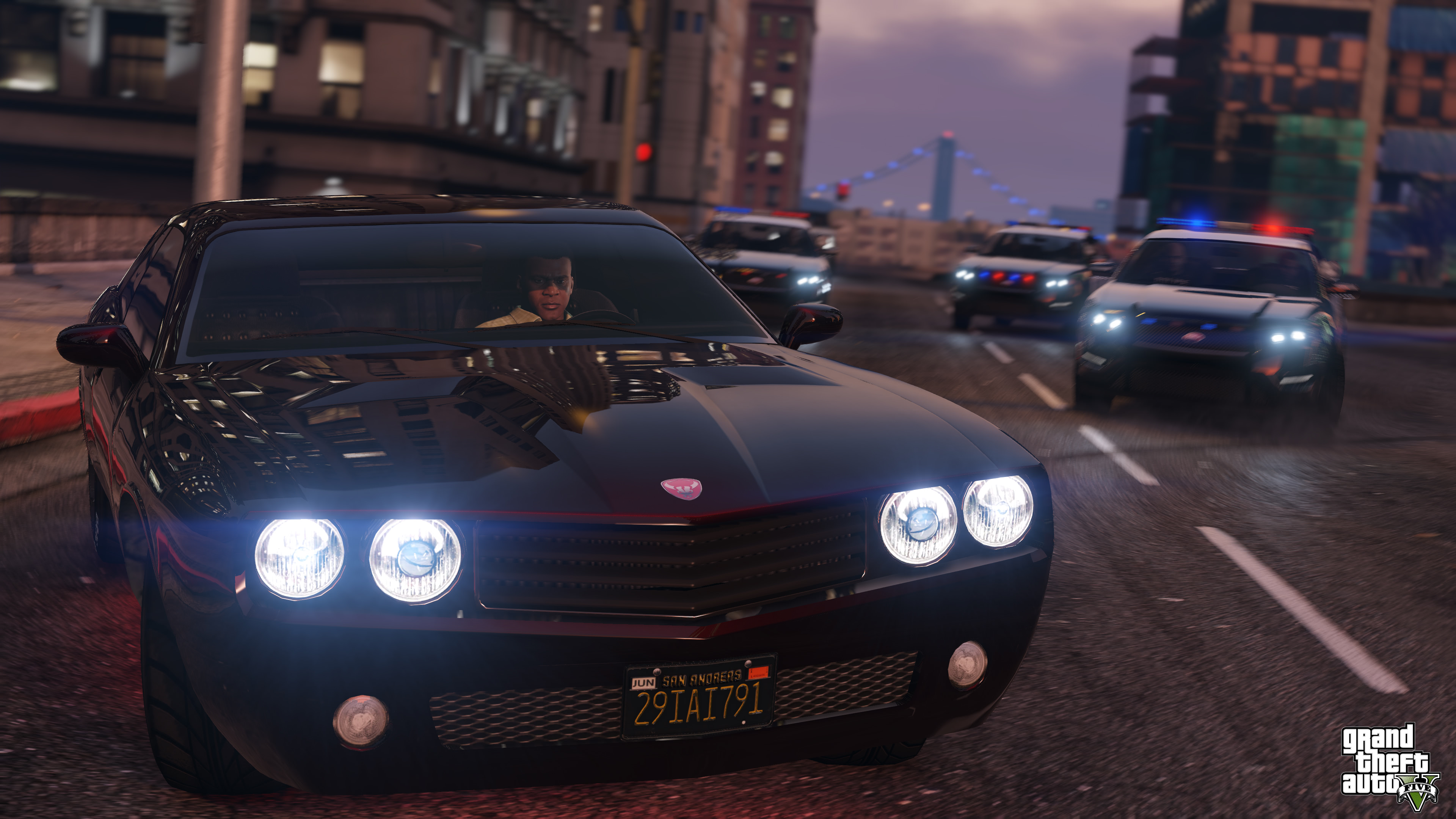
Grand Theft Auto V – le monde le plus vaste et détaillé jamais créé par Rockstar Games. Lorsqu'un jeune arnaqueur des rues, un braqueur de banque à la retraite et un psychopathe terrifiant se retrouvent mêlés aux éléments les plus effrayants et dérangés du milieu criminel, du gouvernement américain et de l'industrie du divertissement, ils doivent réaliser une série de braquages périlleux pour survivre dans une ville impitoyable où ils ne peuvent faire confiance à personne, et surtout pas les uns aux autres.
Explorez les mondes époustouflants de Los Santos et de Blaine County dans l'expérience Grand Theft Auto V ultime, avec une multitude d'améliorations techniques pour les nouveaux joueurs comme pour les vétérans. Outre une distance d'affichage accrue et une résolution supérieure, les joueurs découvriront de nombreuses nouveautés : armes, véhicules et activités inédits ; faune plus riche ; circulation plus dense ; nouveau système de végétation ; effets de dégâts et météorologiques améliorés, et bien plus encore.
Activation — Xbox Live
Online:
If you have an account on Xbox Live simply log in to your account on https://redeem.microsoft.com, and enter the 25-digit code.
If you need to get an account - Go to live.xbox.com and follow the steps to create a new account. Then go to https://redeem.microsoft.com, and enter the 25-digit code.
For Xbox One products:
From the Home screen, scroll right to Store.
Under Games, select Browse All Games
Select Use a code. Or, say “Xbox, use code.” (if you have Kinect)
If prompted, sign in and select Enter the 25-character code.
Use the onscreen keyboard to enter your 25-character code. Don’t worry about hyphens, the system takes care of those for you.
Once your code is redeemed, you’ll receive a confirmation message.
For Xbox 360 products:
Sign in to Xbox Live using the account for which you want to use the prepaid code.
Press the Guide button on your controller
Go to Games & Apps, and then select Redeem Code.
Enter the 25-character prepaid code, and then select Done.
When prompted, select Yes to confirm the redemption.
Activation — Хbox Store
Online:
If you have an account on Xbox Live simply log in to your account on https://redeem.microsoft.com, and enter the 25-digit code.
If you need to get an account - Go to live.xbox.com and follow the steps to create a new account. Then go to https://redeem.microsoft.com, and enter the 25-digit code.
For Xbox One / Xbox Series X|S products:
From the Home screen, scroll right to Store.
Under Games, select Browse All Games
Select Use a code. Or, say “Xbox, use code.” (if you have Kinect)
If prompted, sign in and select Enter the 25-character code.
Use the onscreen keyboard to enter your 25-character code. Don’t worry about hyphens, the system takes care of those for you.
Once your code is redeemed, you’ll receive a confirmation message.
Commentaires
Denis Klyushkin2 Peut, 2021
As always the best))))
Igore7 Décembre, 2020
+++
Aleksandr Vinichenko14 Octobre, 2020
Guys, you are the best as always, this is not the first time I purchase here, thank you.
Andrew Kleimanis7 Décembre, 2019
Without cheating, the code came and works
Andrejs Volkovs15 Octobre, 2019
Everything super came instantly
Yaroslav Rybakov30 Avril, 2019
I just bought a GTA, I activated the key, everything is honest without cheating.
Grand Theft Auto V – le monde le plus vaste et détaillé jamais créé par Rockstar Games. Lorsqu'un jeune arnaqueur des rues, un braqueur de banque à la retraite et un psychopathe terrifiant se retrouvent mêlés aux éléments les plus effrayants et dérangés du milieu criminel, du gouvernement américain et de l'industrie du divertissement, ils doivent réaliser une série de braquages périlleux pour survivre dans une ville impitoyable où ils ne peuvent faire confiance à personne, et surtout pas les uns aux autres.
Explorez les mondes époustouflants de Los Santos et de Blaine County dans l'expérience Grand Theft Auto V ultime, avec une multitude d'améliorations techniques pour les nouveaux joueurs comme pour les vétérans. Outre une distance d'affichage accrue et une résolution supérieure, les joueurs découvriront de nombreuses nouveautés : armes, véhicules et activités inédits ; faune plus riche ; circulation plus dense ; nouveau système de végétation ; effets de dégâts et météorologiques améliorés, et bien plus encore.
Online:
If you have an account on Xbox Live simply log in to your account on https://redeem.microsoft.com, and enter the 25-digit code.
If you need to get an account - Go to live.xbox.com and follow the steps to create a new account. Then go to https://redeem.microsoft.com, and enter the 25-digit code.
For Xbox One products:
From the Home screen, scroll right to Store.
Under Games, select Browse All Games
Select Use a code. Or, say “Xbox, use code.” (if you have Kinect)
If prompted, sign in and select Enter the 25-character code.
Use the onscreen keyboard to enter your 25-character code. Don’t worry about hyphens, the system takes care of those for you.
Once your code is redeemed, you’ll receive a confirmation message.
For Xbox 360 products:
Sign in to Xbox Live using the account for which you want to use the prepaid code.
Press the Guide button on your controller
Go to Games & Apps, and then select Redeem Code.
Enter the 25-character prepaid code, and then select Done.
When prompted, select Yes to confirm the redemption.
Online:
If you have an account on Xbox Live simply log in to your account on https://redeem.microsoft.com, and enter the 25-digit code.
If you need to get an account - Go to live.xbox.com and follow the steps to create a new account. Then go to https://redeem.microsoft.com, and enter the 25-digit code.
For Xbox One / Xbox Series X|S products:
From the Home screen, scroll right to Store.
Under Games, select Browse All Games
Select Use a code. Or, say “Xbox, use code.” (if you have Kinect)
If prompted, sign in and select Enter the 25-character code.
Use the onscreen keyboard to enter your 25-character code. Don’t worry about hyphens, the system takes care of those for you.
Once your code is redeemed, you’ll receive a confirmation message.
Denis Klyushkin2 Peut, 2021
As always the best))))
Igore7 Décembre, 2020
+++
Aleksandr Vinichenko14 Octobre, 2020
Guys, you are the best as always, this is not the first time I purchase here, thank you.
Andrew Kleimanis7 Décembre, 2019
Without cheating, the code came and works
Andrejs Volkovs15 Octobre, 2019
Everything super came instantly
Yaroslav Rybakov30 Avril, 2019
I just bought a GTA, I activated the key, everything is honest without cheating.