
Cart is empty

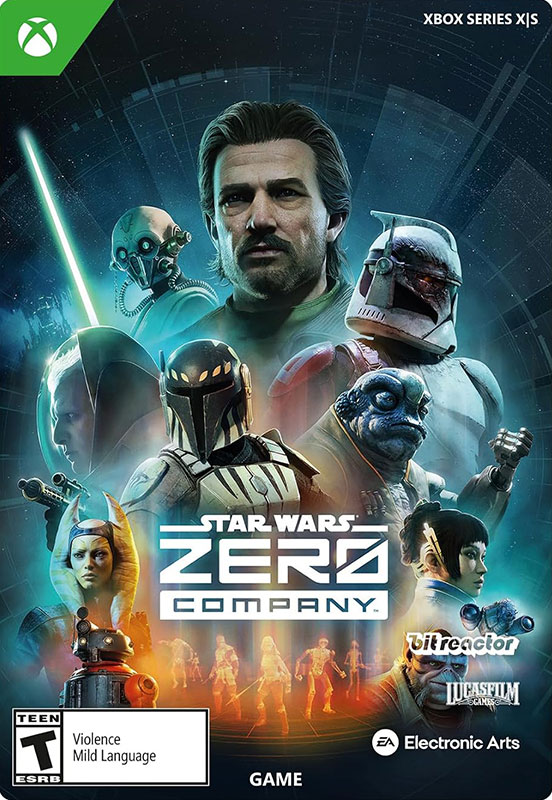
Star Wars Zero Company (Xbox Series X|S)
–7%
")
")








Delivery:
Activation code
Platform:
Xbox Series X|S /
Xbox Live
Languages:
Multi-language
Region:
Region Free
Developer:
Bit Reactor
Publisher:
Electronic Arts

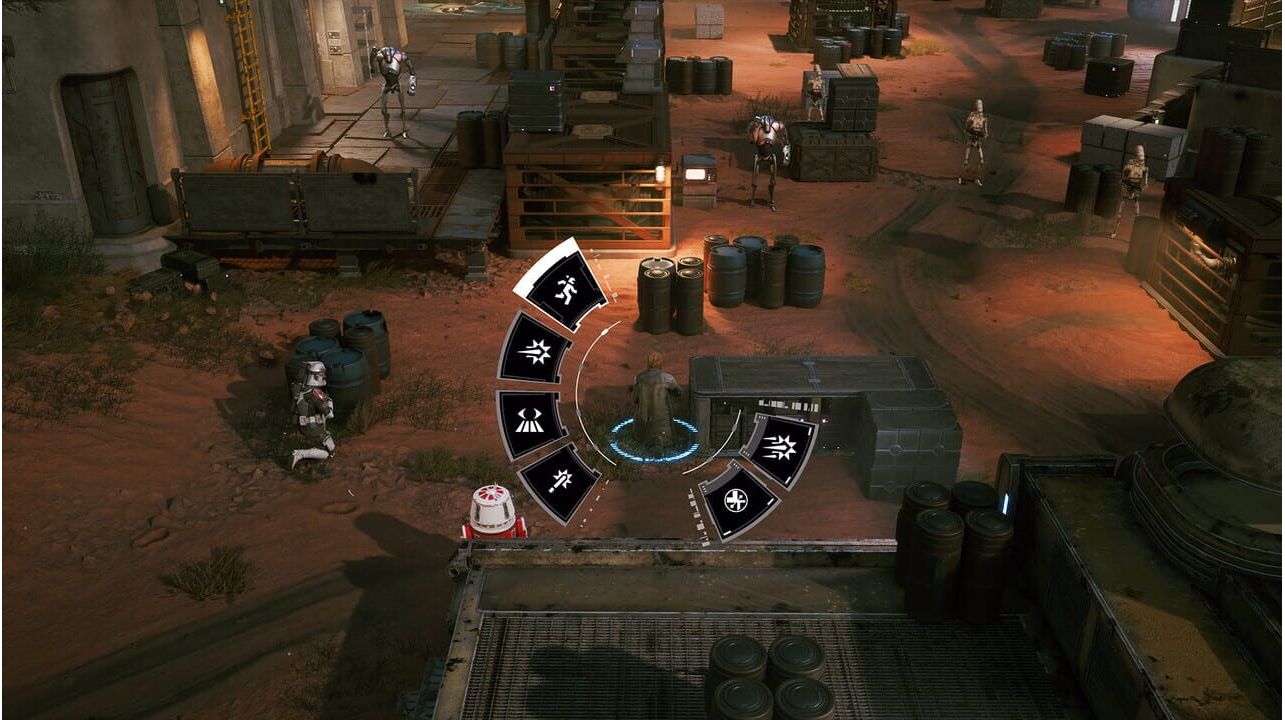
Lead an elite squad and experience a gripping and realistic story in Star Wars Zero Company, a single-player turn-based tactics game.
Lead an elite squad in a gripping and realistic story set at the end of the Clone Wars. You'll assume the role of Hawks, a former Republic officer who leads Zero Company—an unconventional unit of professional mercenaries from across the galaxy.
Activation - Хbox Store
Online:
- If you have an account on Xbox Live simply log in to your account on https://redeem.microsoft.com, and enter the 25-digit code.
- If you need to get an account - Go to live.xbox.com and follow the steps to create a new account. Then go to https://redeem.microsoft.com, and enter the 25-digit code.
For Xbox One / Xbox Series X|S products:
- From the Home screen, scroll right to Store.
- Under Games, select Browse All Games
- Select Use a code. Or, say “Xbox, use code.” (if you have Kinect)
- If prompted, sign in and select Enter the 25-character code.
- Use the onscreen keyboard to enter your 25-character code. Don’t worry about hyphens, the system takes care of those for you.
- Once your code is redeemed, you’ll receive a confirmation message.
Lead an elite squad and experience a gripping and realistic story in Star Wars Zero Company, a single-player turn-based tactics game.
Lead an elite squad in a gripping and realistic story set at the end of the Clone Wars. You'll assume the role of Hawks, a former Republic officer who leads Zero Company—an unconventional unit of professional mercenaries from across the galaxy.
Online:
- If you have an account on Xbox Live simply log in to your account on https://redeem.microsoft.com, and enter the 25-digit code.
- If you need to get an account - Go to live.xbox.com and follow the steps to create a new account. Then go to https://redeem.microsoft.com, and enter the 25-digit code.
For Xbox One / Xbox Series X|S products:
- From the Home screen, scroll right to Store.
- Under Games, select Browse All Games
- Select Use a code. Or, say “Xbox, use code.” (if you have Kinect)
- If prompted, sign in and select Enter the 25-character code.
- Use the onscreen keyboard to enter your 25-character code. Don’t worry about hyphens, the system takes care of those for you.
- Once your code is redeemed, you’ll receive a confirmation message.