Cart is empty

The Sims 3: Showtime










Delivery:
Activation code
Genre:
PC Games
Platform:
PC /
Origin (EA App)
Languages:
Multi-language
Region:
Region Free
Developer:
The Sims Studio
Publisher:
Electronic Arts

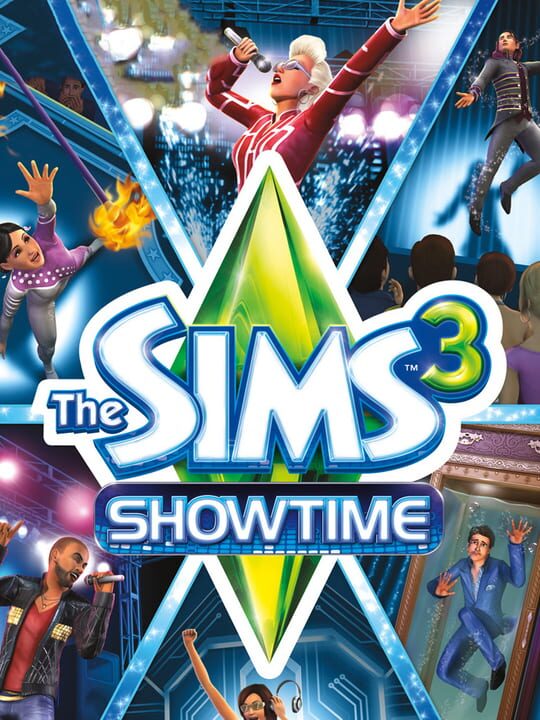
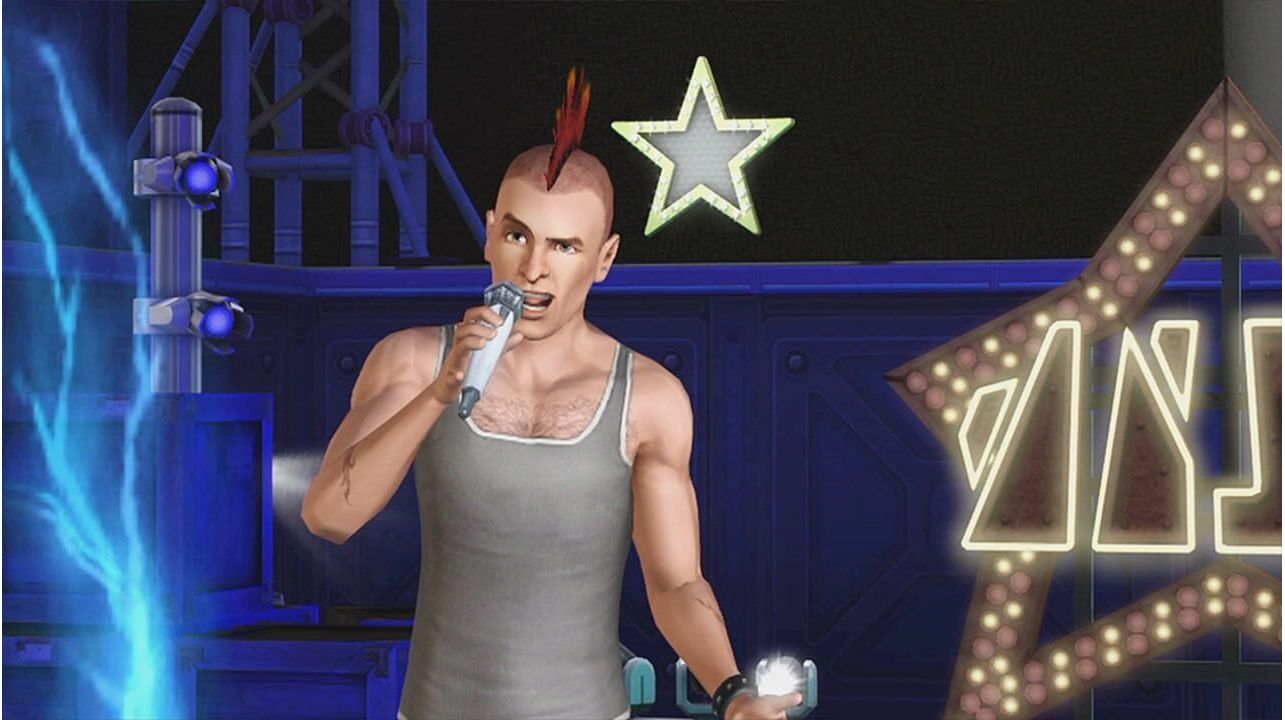
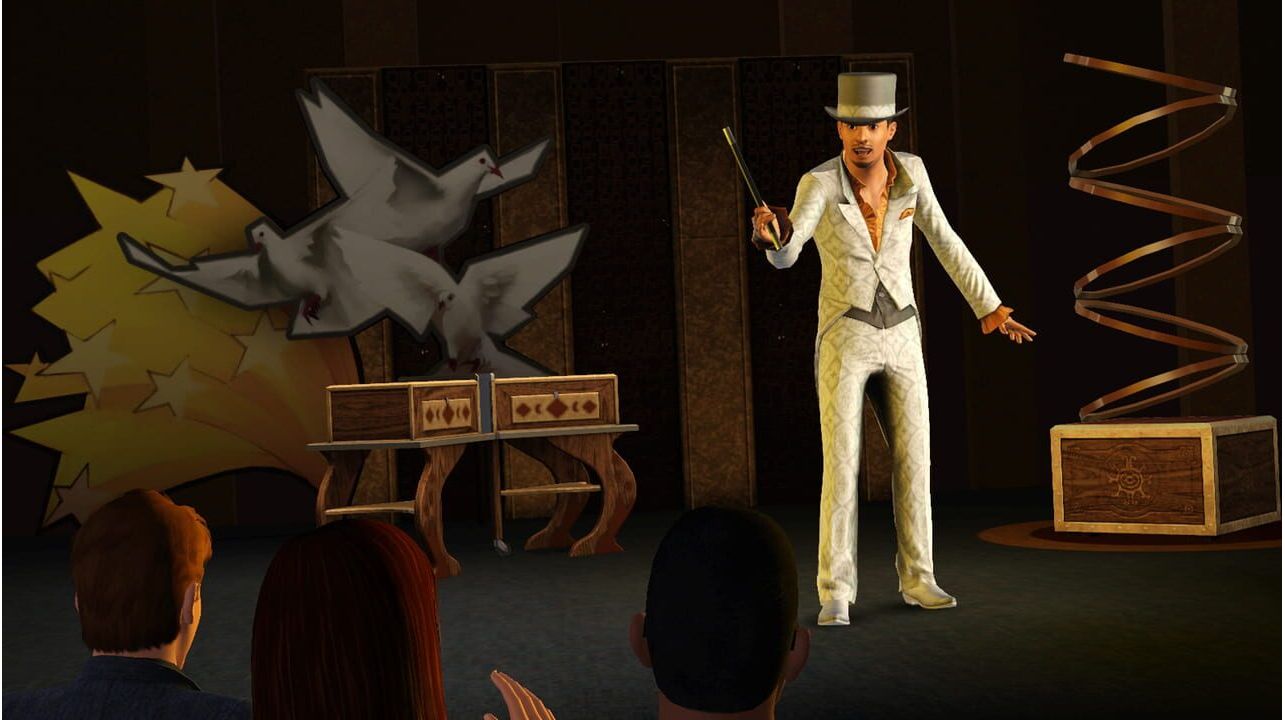
Experience a rags-to-riches story with your Sims while staying connected with friends in The Sims 3: Showtime. Witness their rise to fame as a DJ, singer, acrobat, or magician. For the first time, The Sims 3 Showtime introduces social features, including Simport—a brand-new feature that lets you send your Sims to friends' games! There, your Sim can perform on a friend's stage in front of their Sims! You can also chat with friends, post messages, and screenshots to their walls!
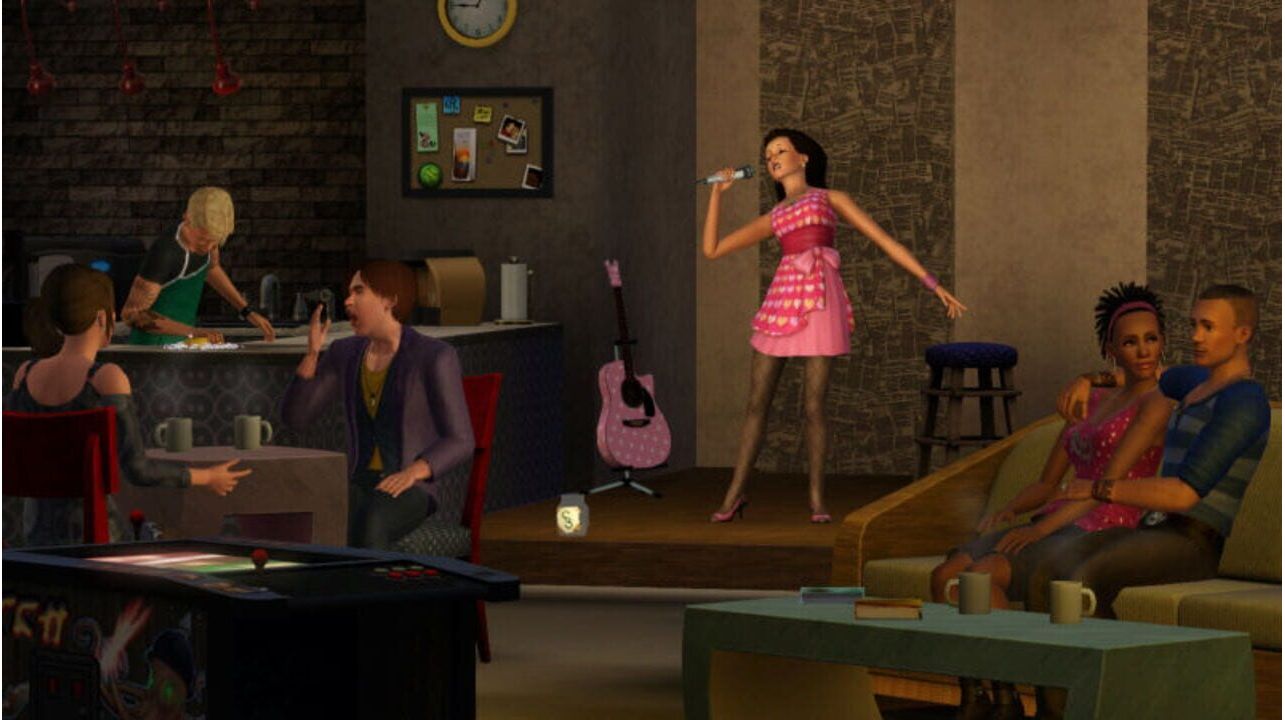
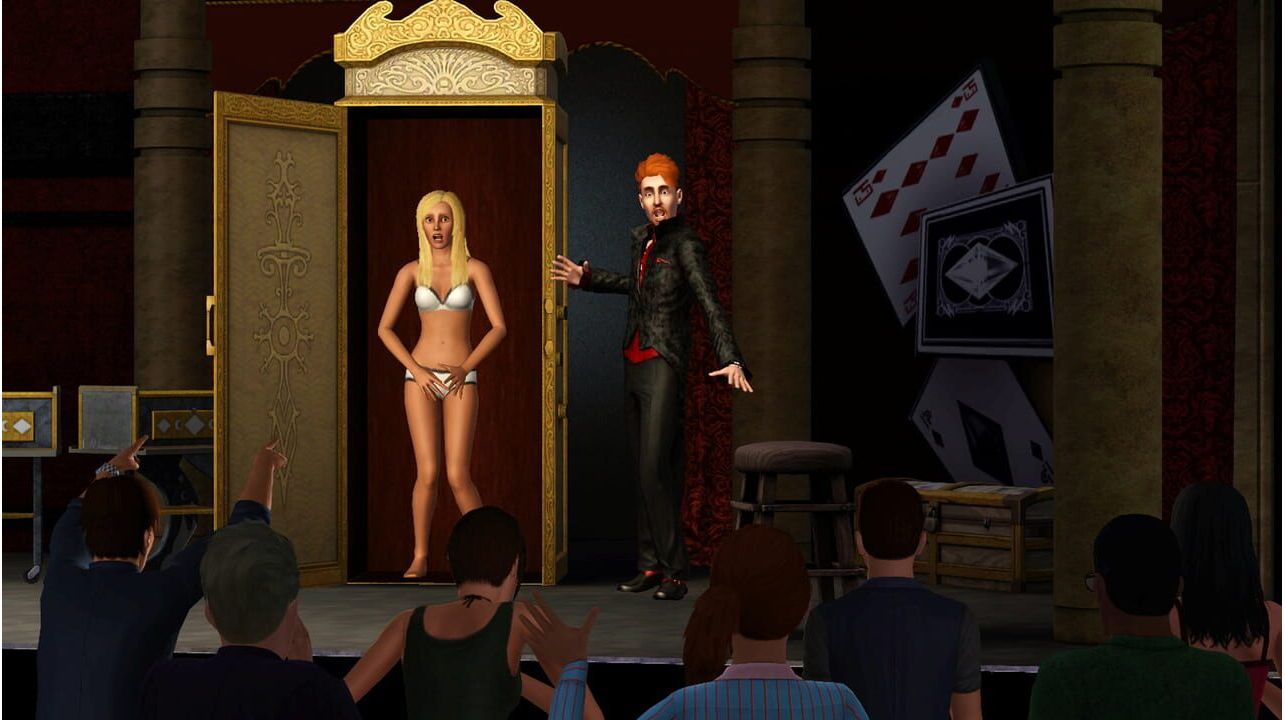
Escape the routine of your Sim's everyday life and start living a more exciting life. Make Sim pop history—celebrity fame and fortune are within your reach. It's time to hit the stage and show the world what you've got. Make your Sim the next big sensation in the entertainment industry. Become a singer, DJ, or famous magician. In addition to building a career, you'll create the perfect venue for your Sim to regularly perform in front of adoring audiences. And for the first time, you'll be able to transfer your Sim from your world to a friend's game, or invite others to your world and let them perform on your personal stage. Your Sim is ready for big success, and opportunity is knocking at the door. Can you handle fame? Or will you crumble under the pressure? Find out if your Sim will be the next big star or just a one-hit wonder. Embark on a new world and live your dream as a singer, acrobat, magician, or DJ. Watch your Sims rise to fame—or fall to ruin—while performing in front of other Sims. New traits and aspirations give you more tools to craft stories the way you want. The all-new world of Starlight Shores includes new locations and objects to develop your Sims' talents. Create your own stages and watch your Sims perform in packed arenas and to sold-out audiences.
Activation - EA App
Instructions for creating account
1. Register on EA App website.
2. Download and install EA App. It’s the program for activation and download.
3. Launch EA App, log into your EA App account, click on your profile icon, select "Redeem Code" and enter the purchased activation key.
5. Download the game.
Experience a rags-to-riches story with your Sims while staying connected with friends in The Sims 3: Showtime. Witness their rise to fame as a DJ, singer, acrobat, or magician. For the first time, The Sims 3 Showtime introduces social features, including Simport—a brand-new feature that lets you send your Sims to friends' games! There, your Sim can perform on a friend's stage in front of their Sims! You can also chat with friends, post messages, and screenshots to their walls!
Escape the routine of your Sim's everyday life and start living a more exciting life. Make Sim pop history—celebrity fame and fortune are within your reach. It's time to hit the stage and show the world what you've got. Make your Sim the next big sensation in the entertainment industry. Become a singer, DJ, or famous magician. In addition to building a career, you'll create the perfect venue for your Sim to regularly perform in front of adoring audiences. And for the first time, you'll be able to transfer your Sim from your world to a friend's game, or invite others to your world and let them perform on your personal stage. Your Sim is ready for big success, and opportunity is knocking at the door. Can you handle fame? Or will you crumble under the pressure? Find out if your Sim will be the next big star or just a one-hit wonder. Embark on a new world and live your dream as a singer, acrobat, magician, or DJ. Watch your Sims rise to fame—or fall to ruin—while performing in front of other Sims. New traits and aspirations give you more tools to craft stories the way you want. The all-new world of Starlight Shores includes new locations and objects to develop your Sims' talents. Create your own stages and watch your Sims perform in packed arenas and to sold-out audiences.
Instructions for creating account
1. Register on EA App website.
2. Download and install EA App. It’s the program for activation and download.
3. Launch EA App, log into your EA App account, click on your profile icon, select "Redeem Code" and enter the purchased activation key.
5. Download the game.