
Warenkorb ist leer

Minecraft Dungeons II (Xbox Series X|S & Win PC)
–10%









Versand:
Aktivierungscode
Plattform:
PC, Xbox Series X|S /
Xbox Live
Sprachen:
Multi-language
Region:
Region Free
Entwickler:
Xbox Game Studios
Herausgeber:
Xbox Game Studios
Ausgabedatum:
September 29, 2026

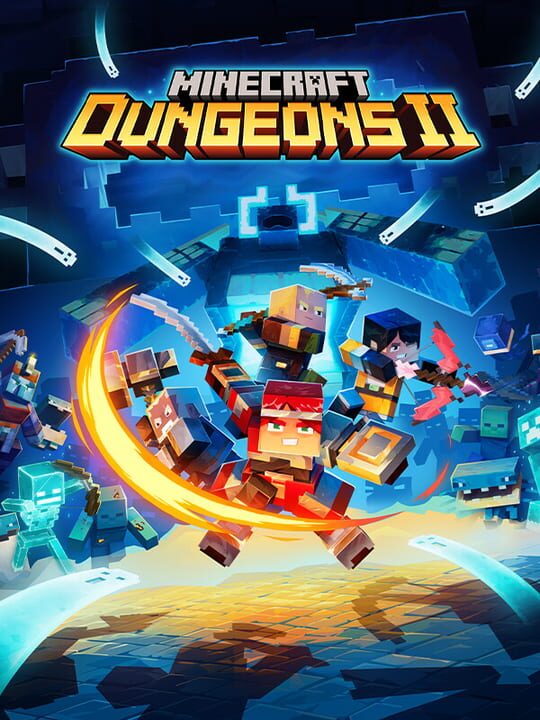
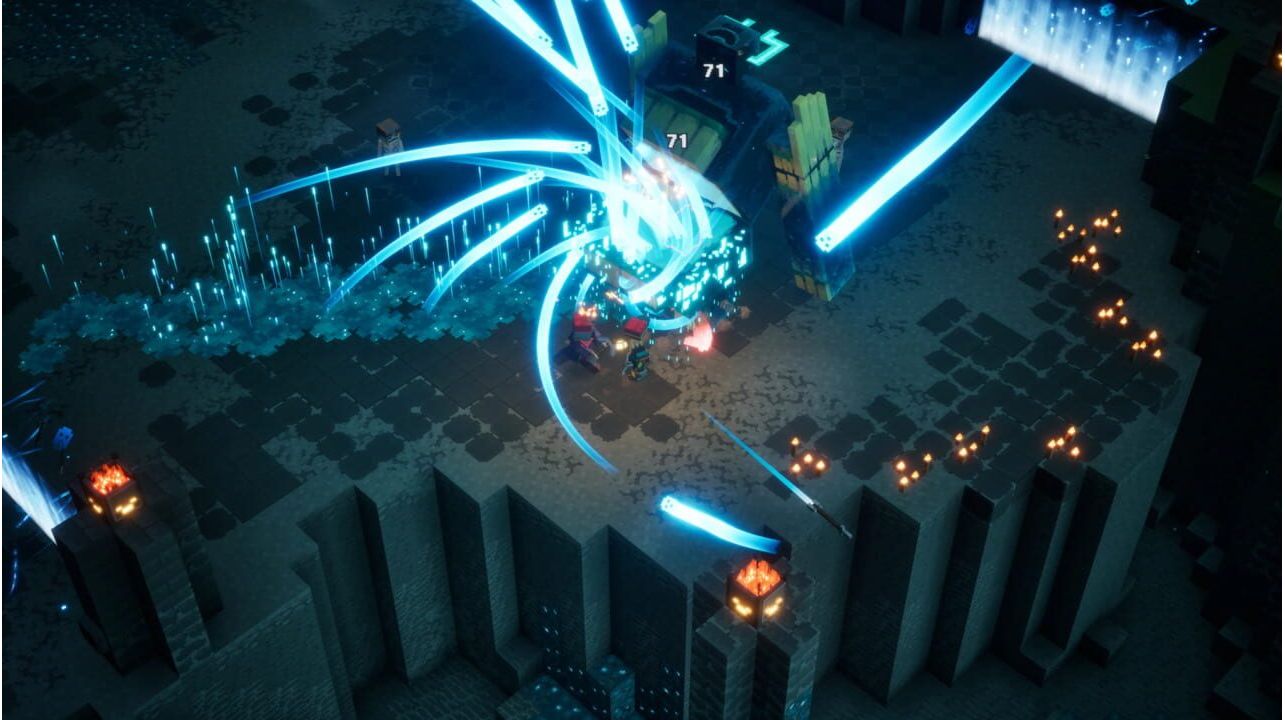
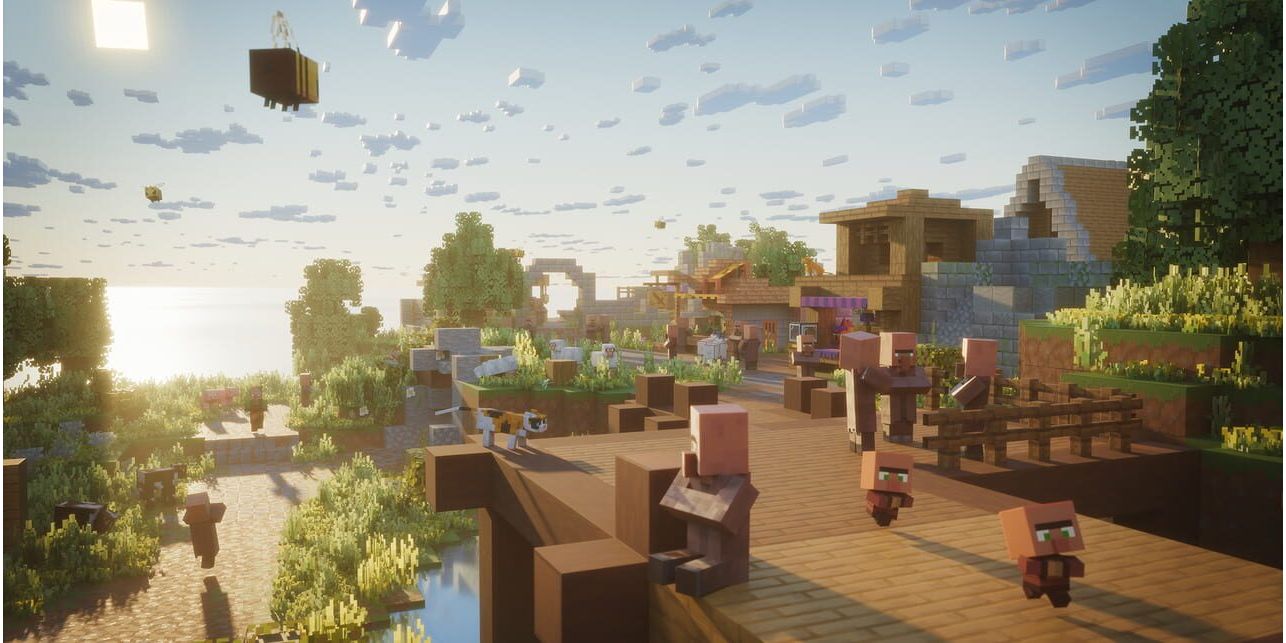
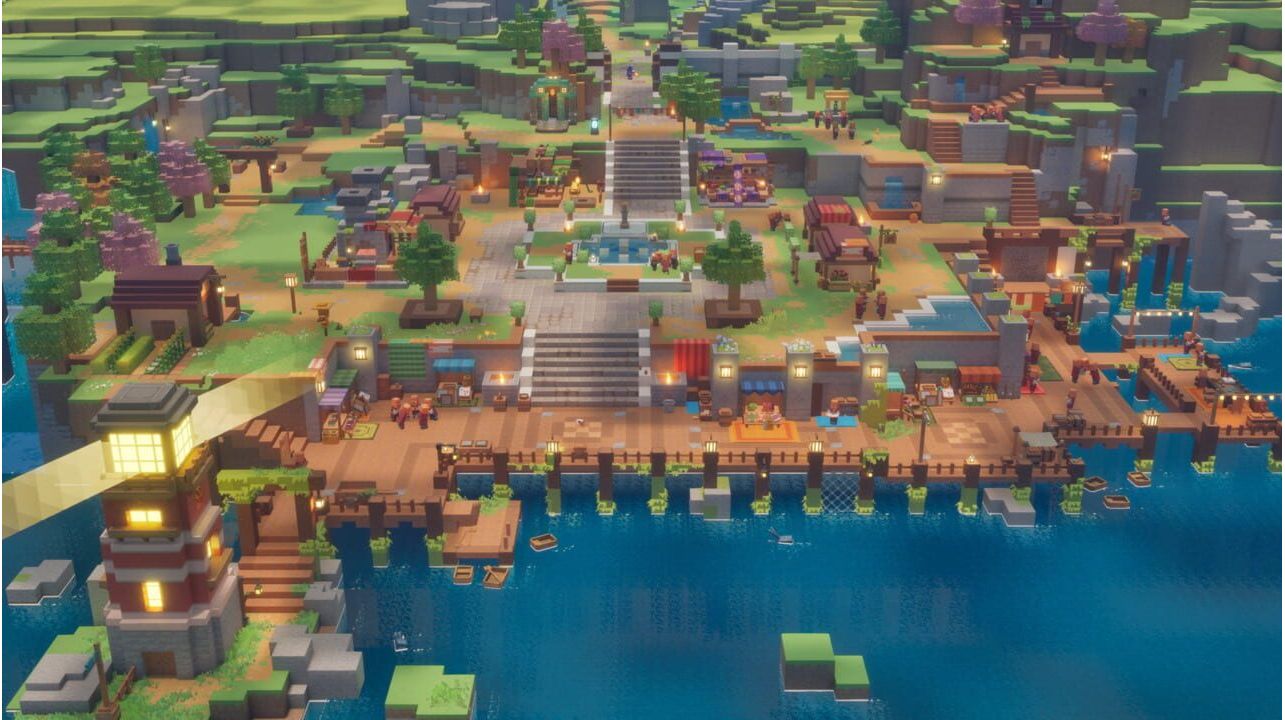
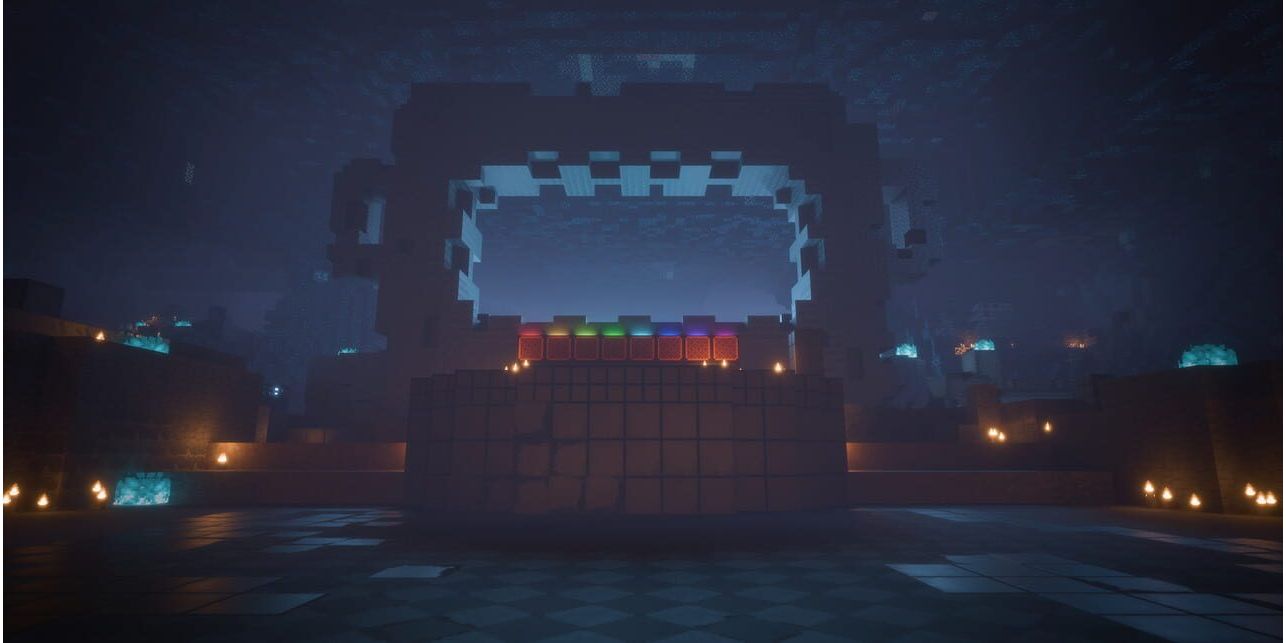
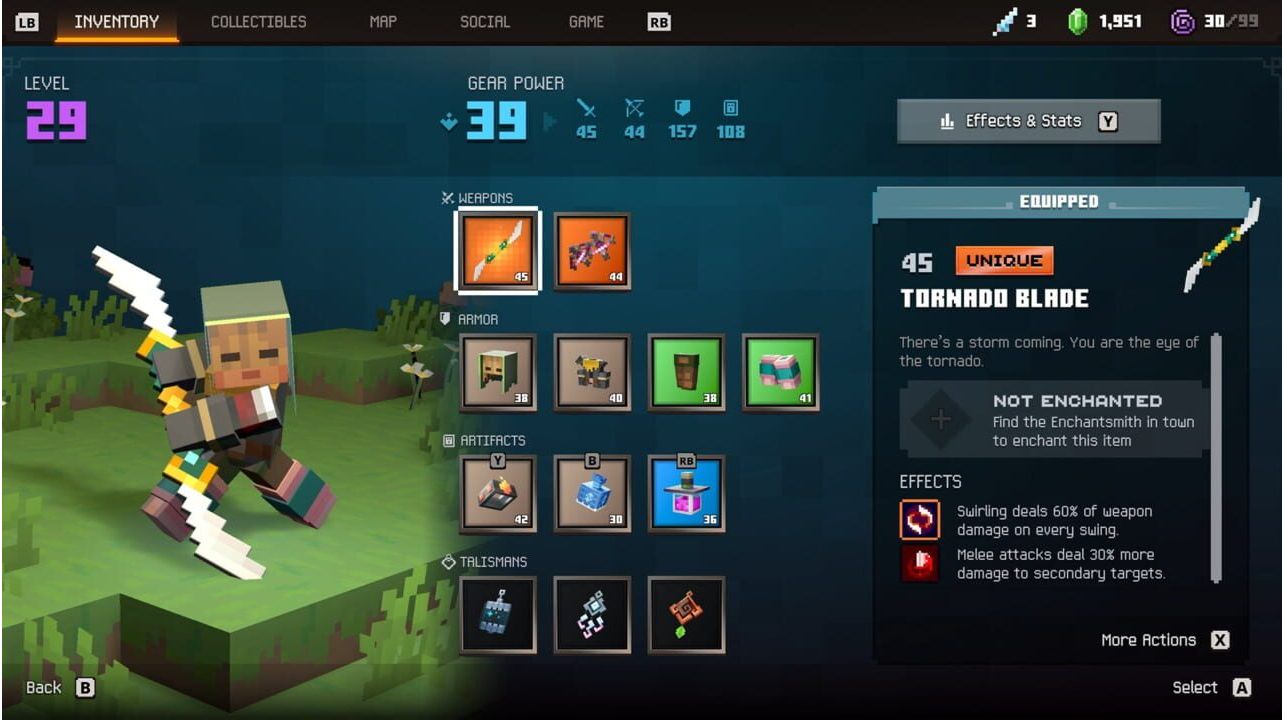
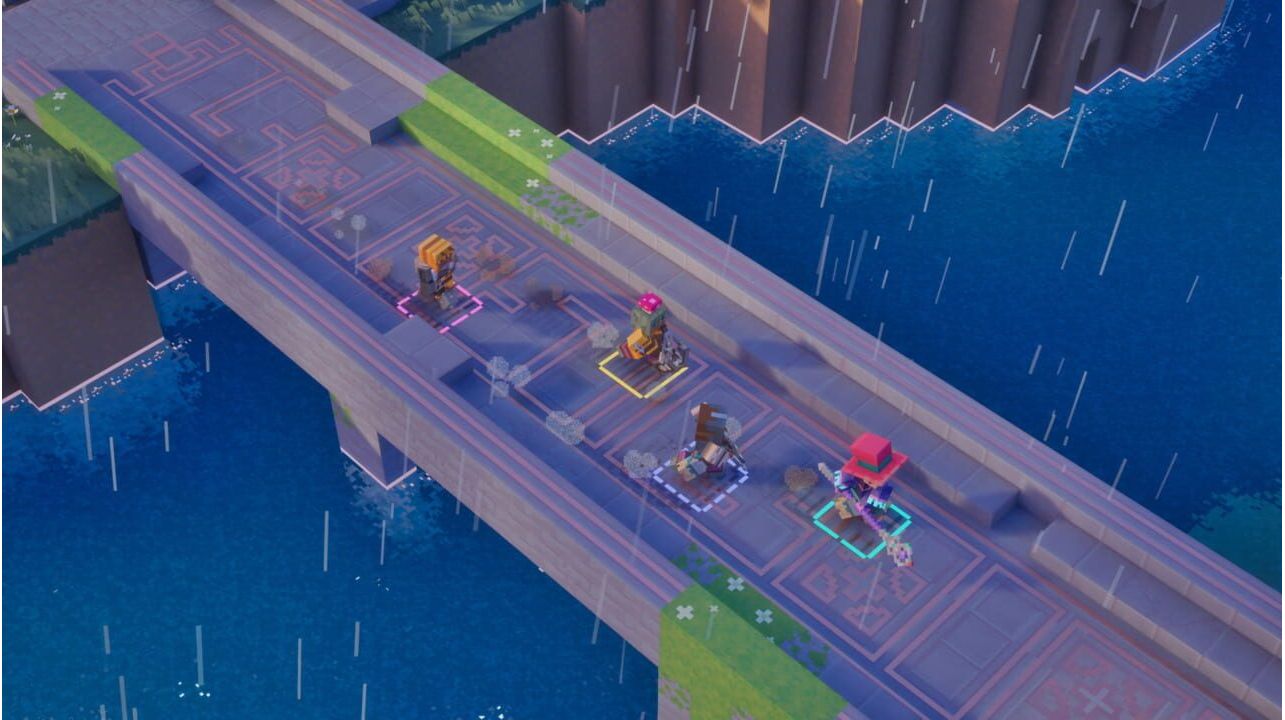
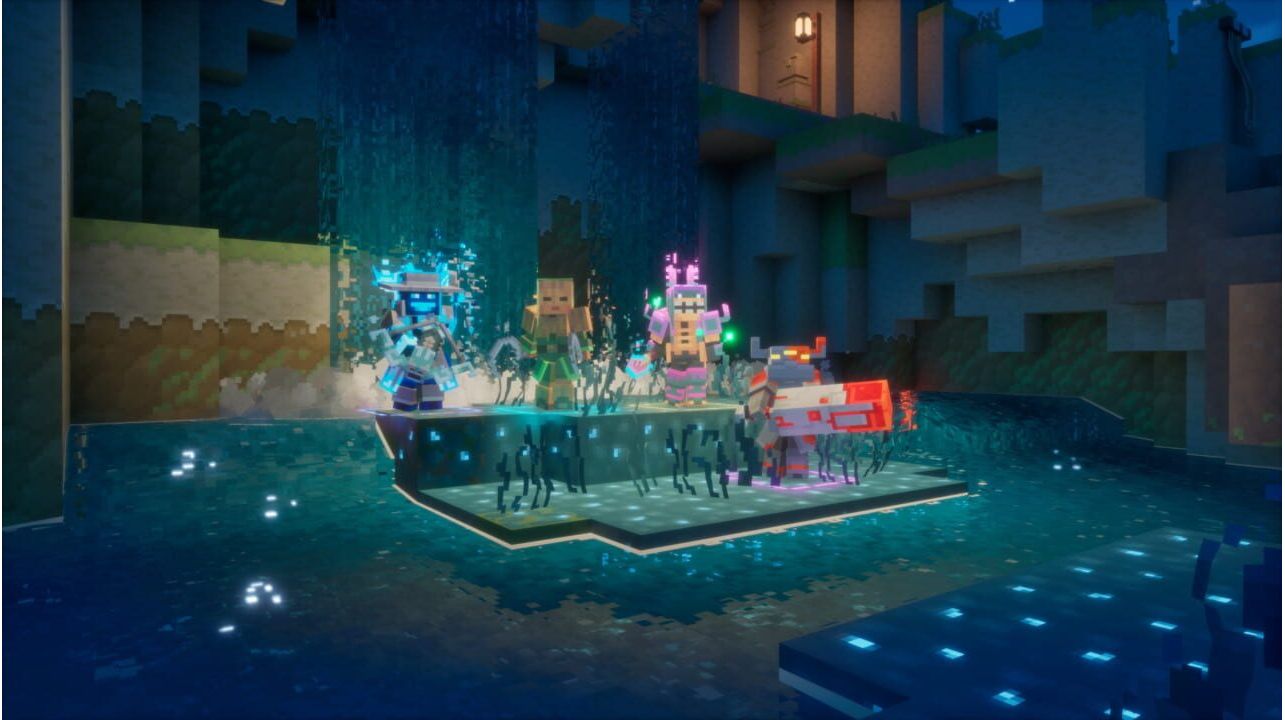
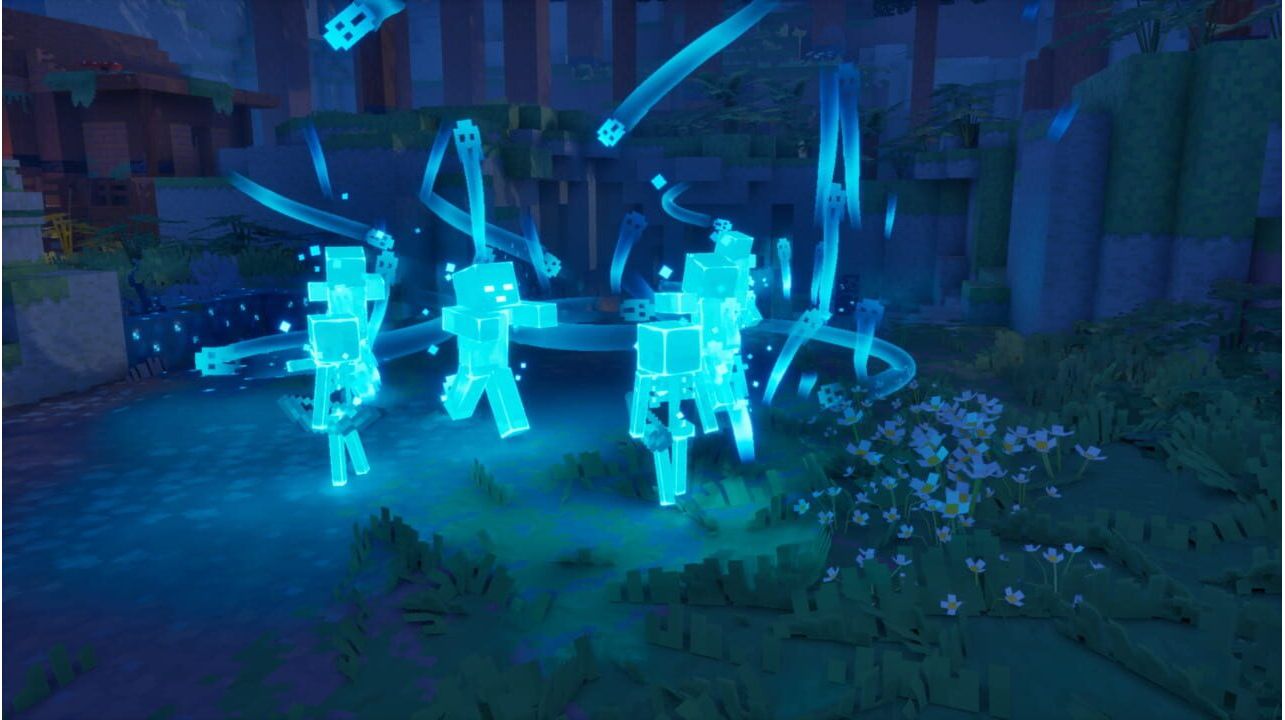
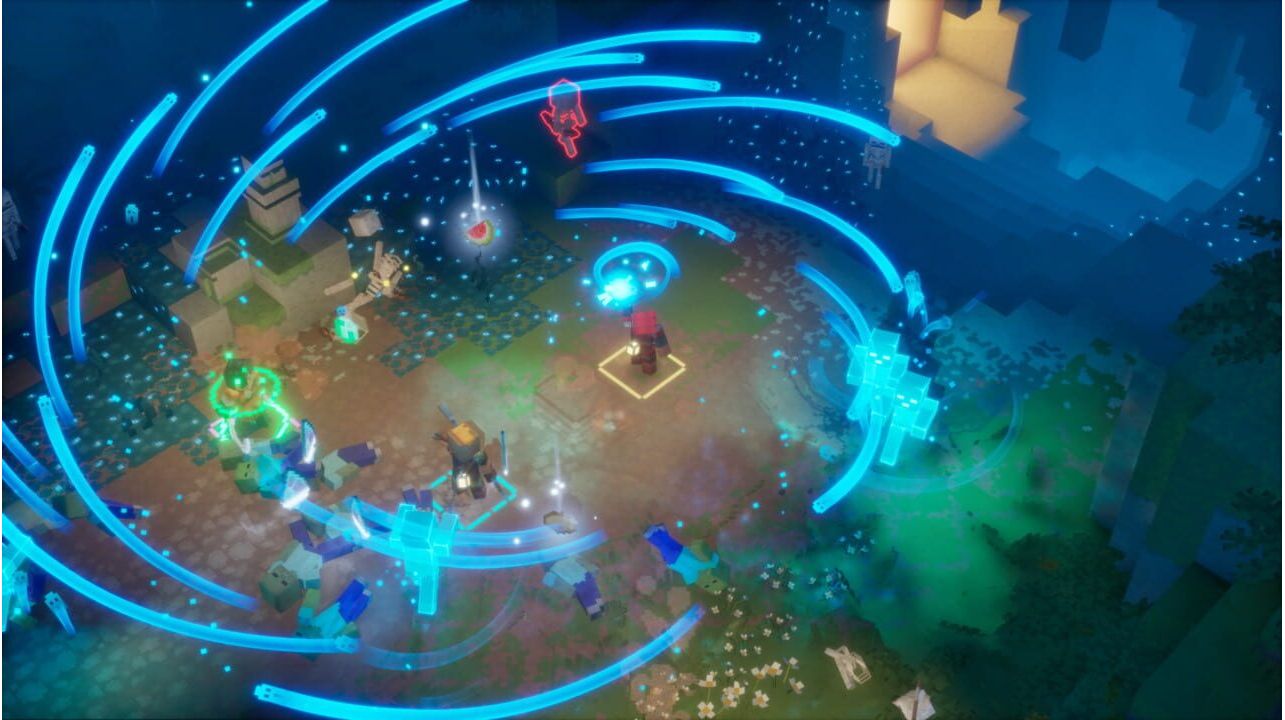
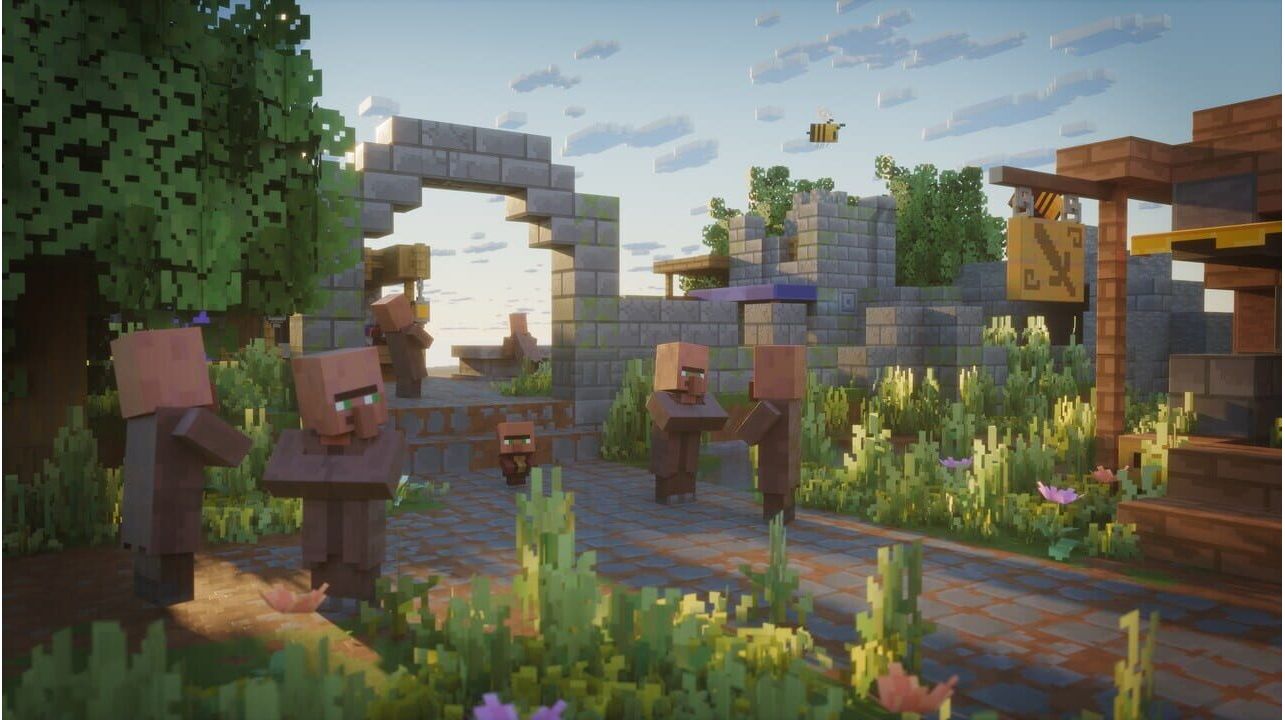
Wirf deine Spitzhacke beiseite, schnapp dir dein Schwert und stürze dich in ein aufregendes neues Abenteuer in Minecraft Dungeons II! Reise durch unerforschte Lande und geheimnisvolle Orte, um ein neues Übel aufzuhalten, das in gleich zwei Welten sein Unwesen treibt! Stelle dich furchterregenden Feinden in explosiven Gefechten und bahne dir deinen Weg durch Horden von Monstern, die alles daransetzen werden, dich an der Rettung zu hindern.
Aktivierung — Хbox Store
Online:
- If you have an account on Xbox Live simply log in to your account on https://redeem.microsoft.com, and enter the 25-digit code.
- If you need to get an account - Go to live.xbox.com and follow the steps to create a new account. Then go to https://redeem.microsoft.com, and enter the 25-digit code.
For Xbox One / Xbox Series X|S products:
- From the Home screen, scroll right to Store.
- Under Games, select Browse All Games
- Select Use a code. Or, say “Xbox, use code.” (if you have Kinect)
- If prompted, sign in and select Enter the 25-character code.
- Use the onscreen keyboard to enter your 25-character code. Don’t worry about hyphens, the system takes care of those for you.
- Once your code is redeemed, you’ll receive a confirmation message.
Wirf deine Spitzhacke beiseite, schnapp dir dein Schwert und stürze dich in ein aufregendes neues Abenteuer in Minecraft Dungeons II! Reise durch unerforschte Lande und geheimnisvolle Orte, um ein neues Übel aufzuhalten, das in gleich zwei Welten sein Unwesen treibt! Stelle dich furchterregenden Feinden in explosiven Gefechten und bahne dir deinen Weg durch Horden von Monstern, die alles daransetzen werden, dich an der Rettung zu hindern.
Online:
- If you have an account on Xbox Live simply log in to your account on https://redeem.microsoft.com, and enter the 25-digit code.
- If you need to get an account - Go to live.xbox.com and follow the steps to create a new account. Then go to https://redeem.microsoft.com, and enter the 25-digit code.
For Xbox One / Xbox Series X|S products:
- From the Home screen, scroll right to Store.
- Under Games, select Browse All Games
- Select Use a code. Or, say “Xbox, use code.” (if you have Kinect)
- If prompted, sign in and select Enter the 25-character code.
- Use the onscreen keyboard to enter your 25-character code. Don’t worry about hyphens, the system takes care of those for you.
- Once your code is redeemed, you’ll receive a confirmation message.