
Panier vide

Minecraft Dungeons II (Xbox Series X|S & Win PC)
–10%









Livraison:
Code d'activation
Plate-forme:
PC, Xbox Series X|S /
Xbox Live
Langues:
Multi-language
Région:
Region Free
Développeur:
Xbox Game Studios
Éditeur:
Xbox Game Studios
Date de sortie:
Septembre 29, 2026

Vidéo
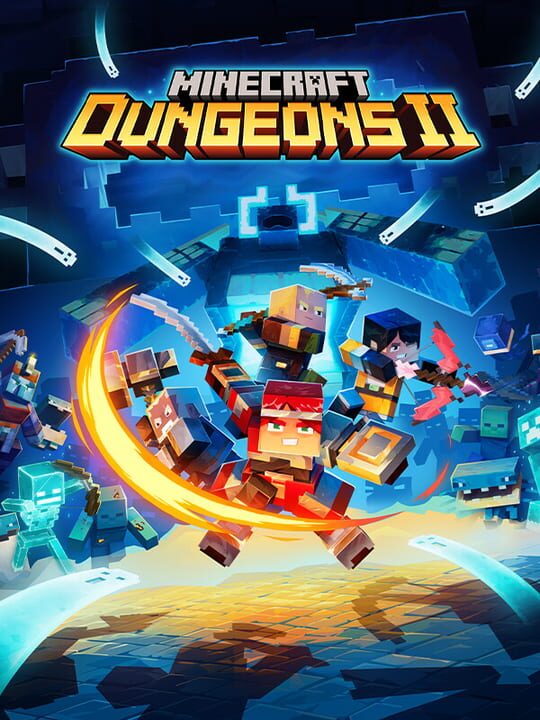
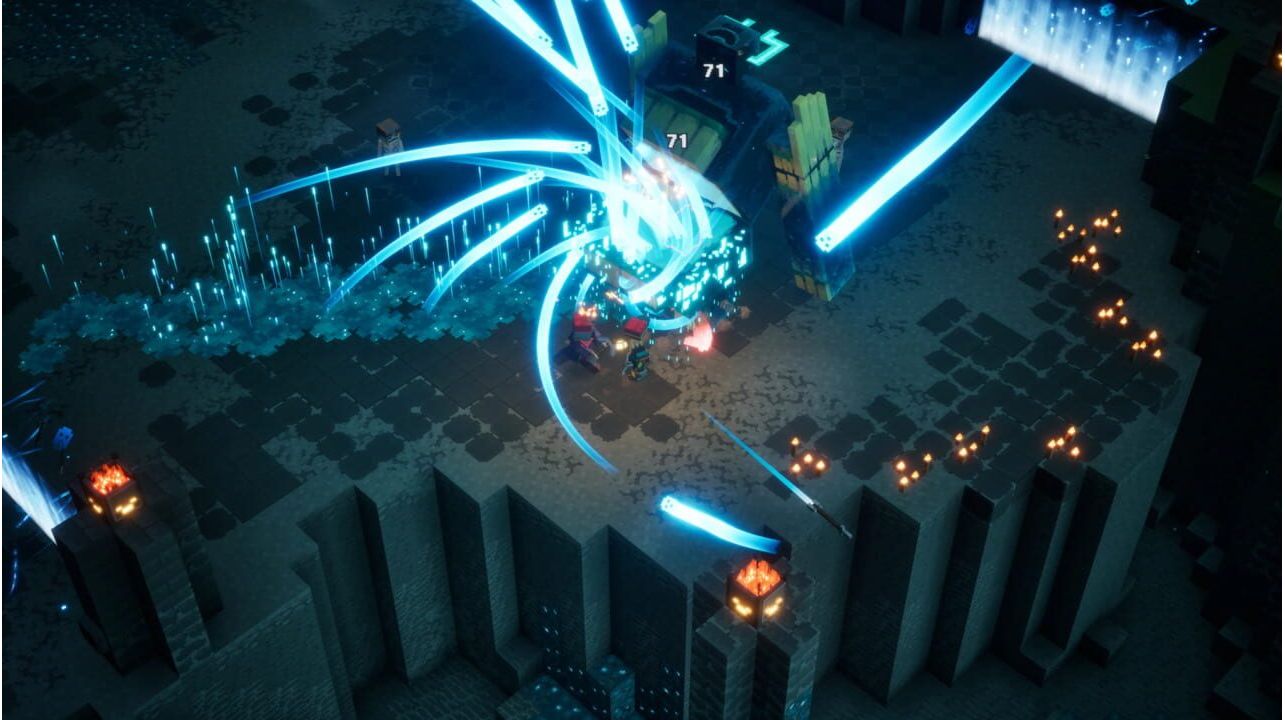
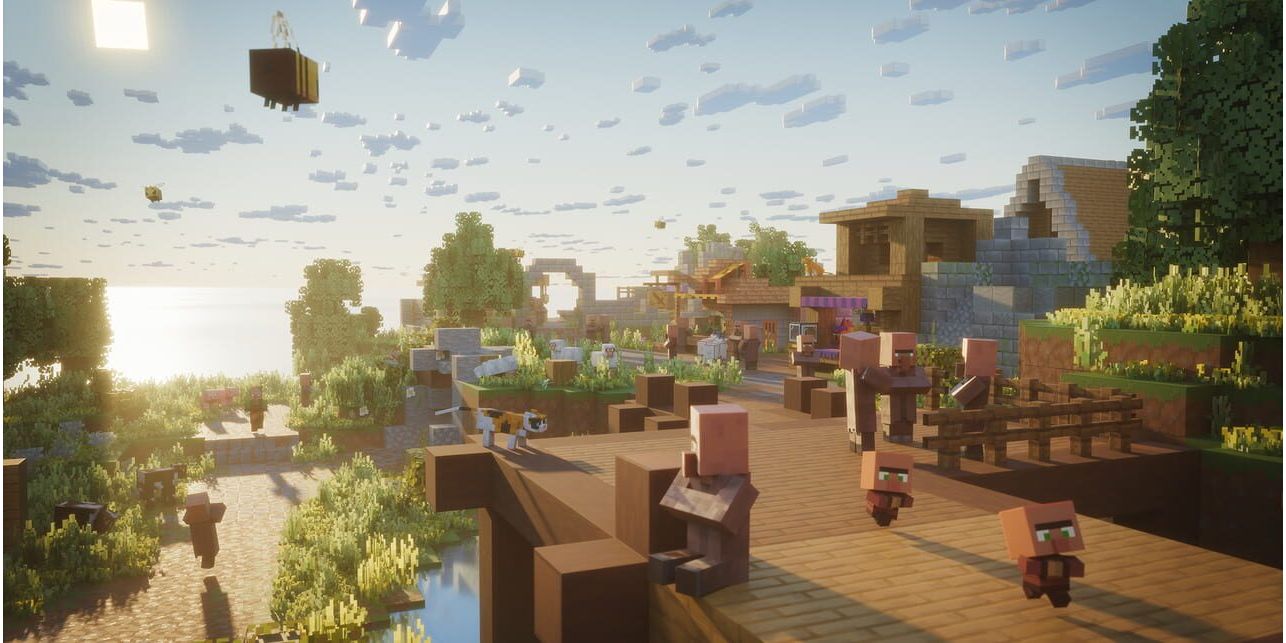
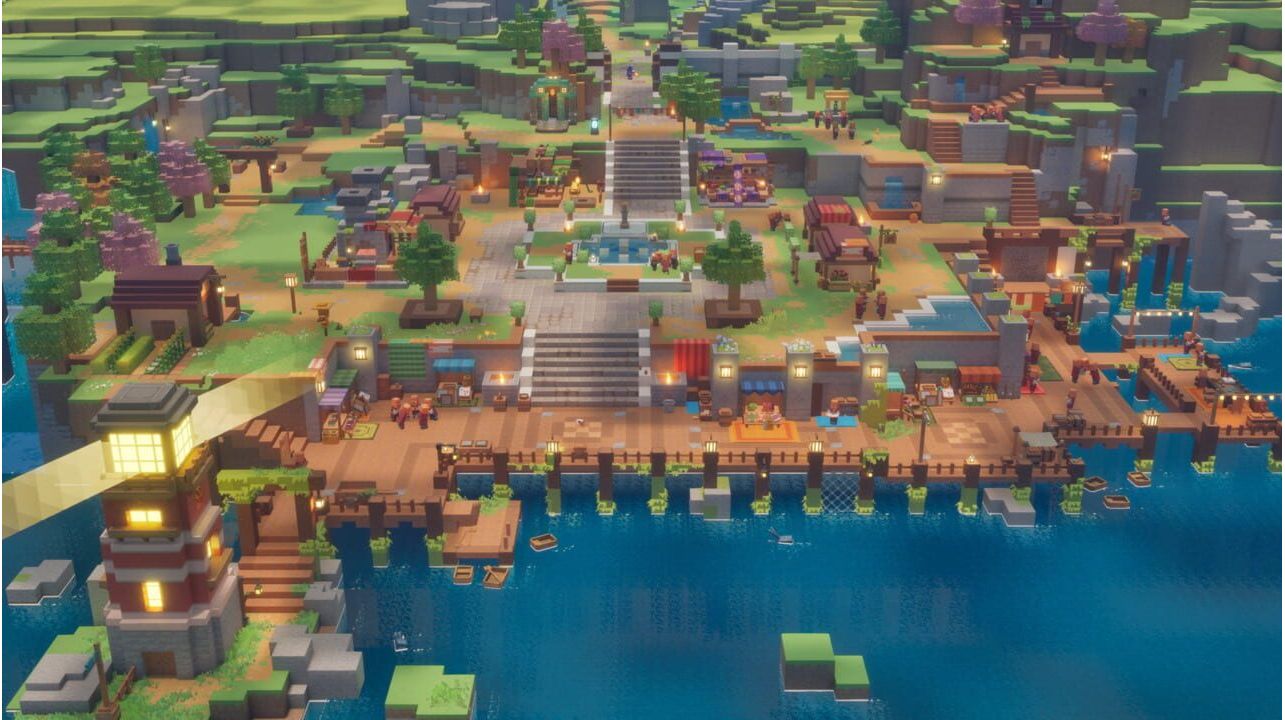
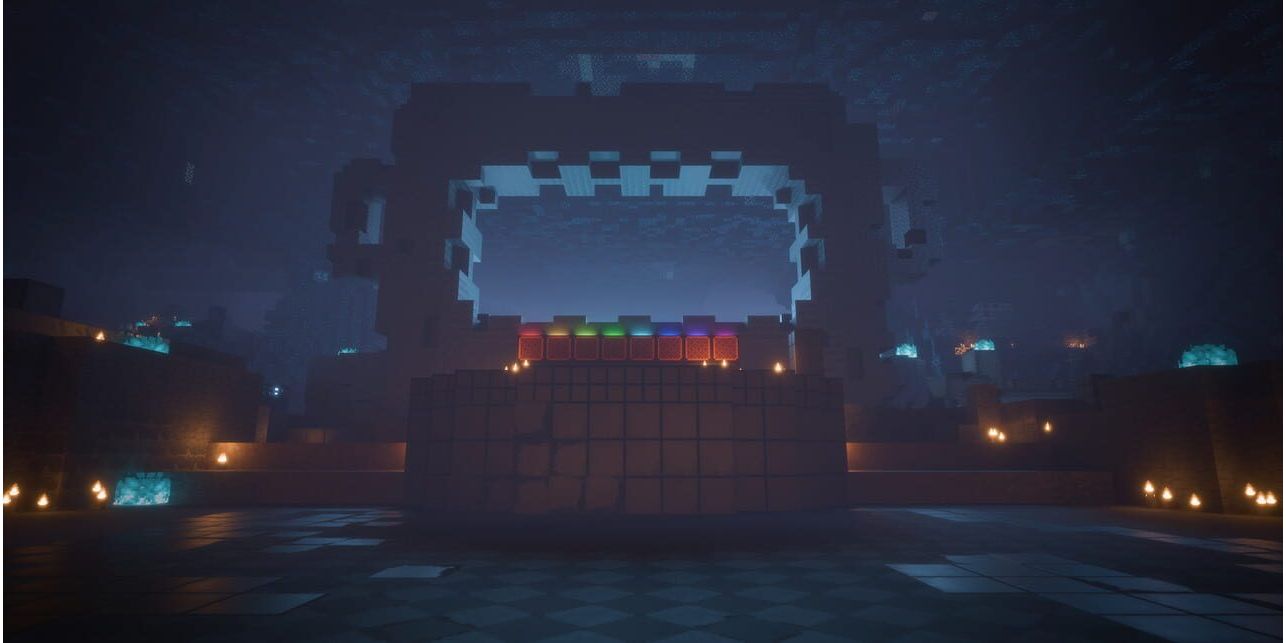
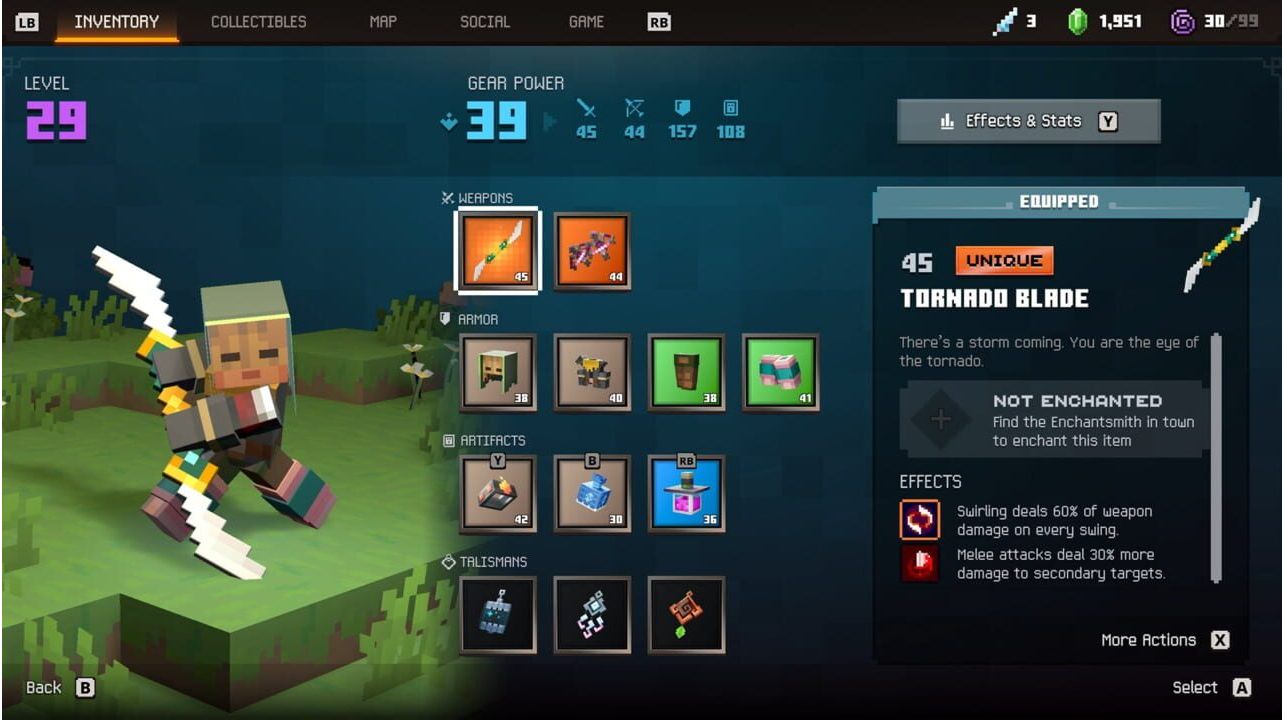
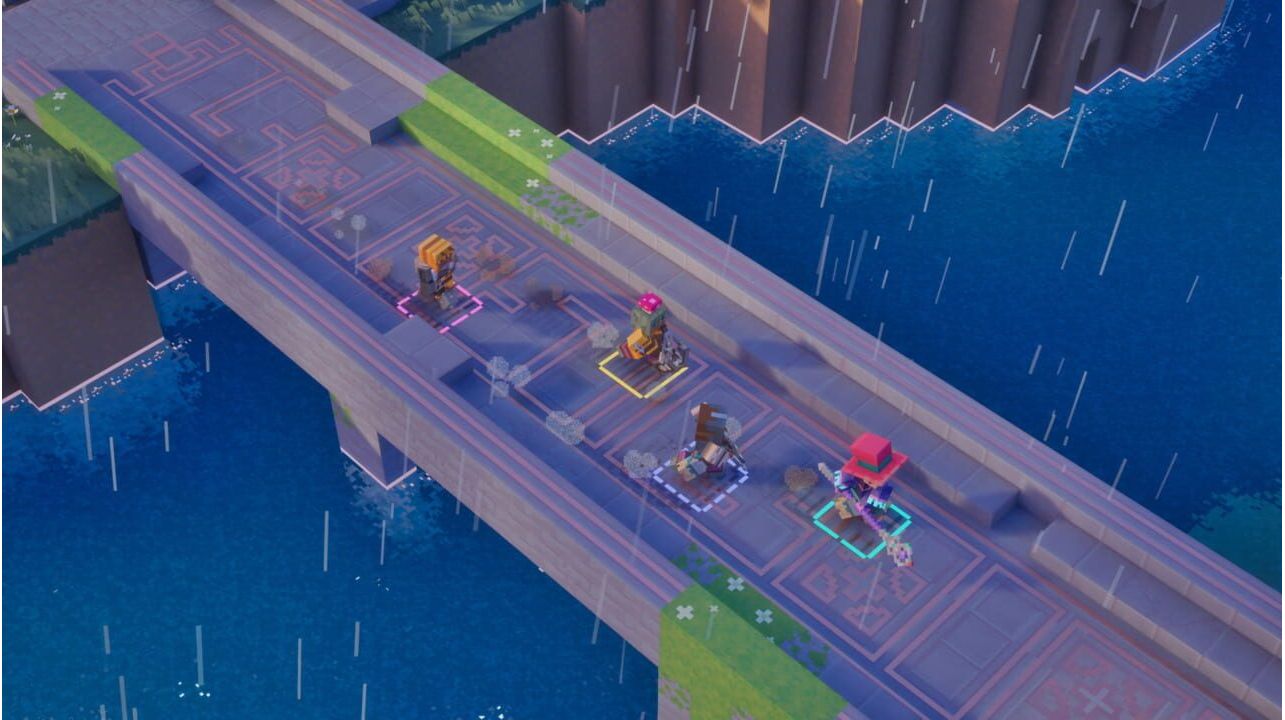
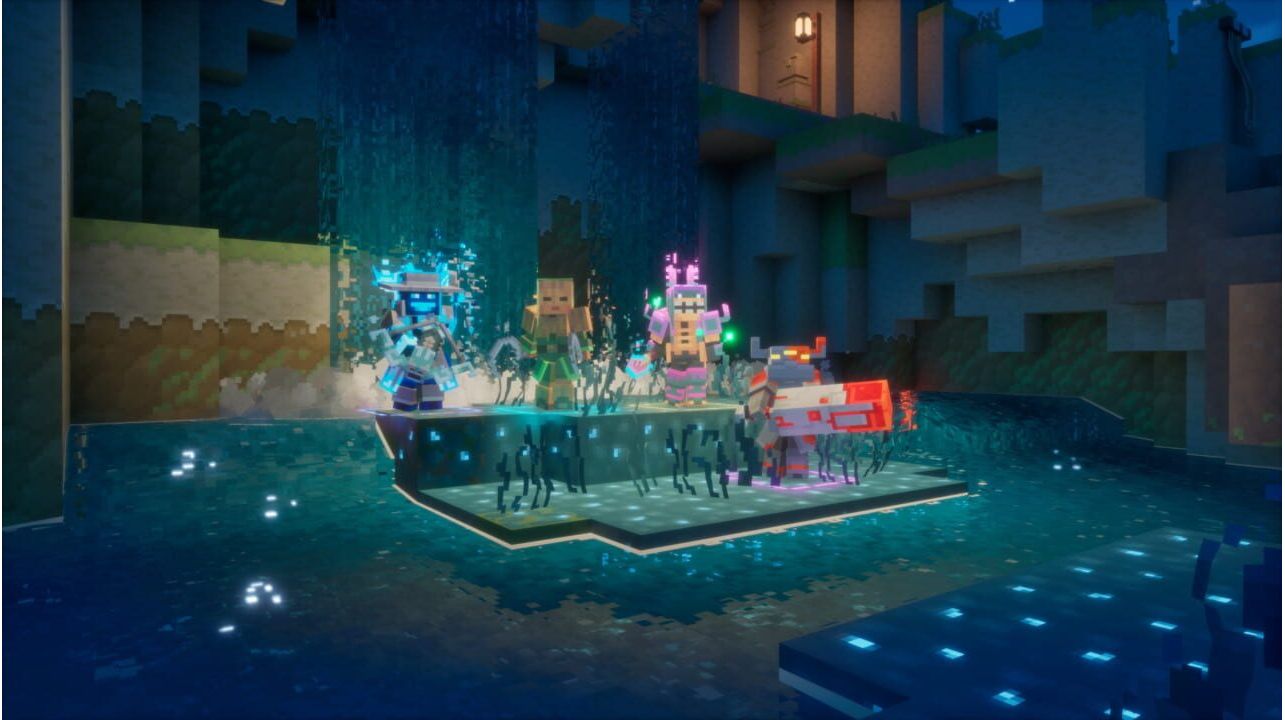
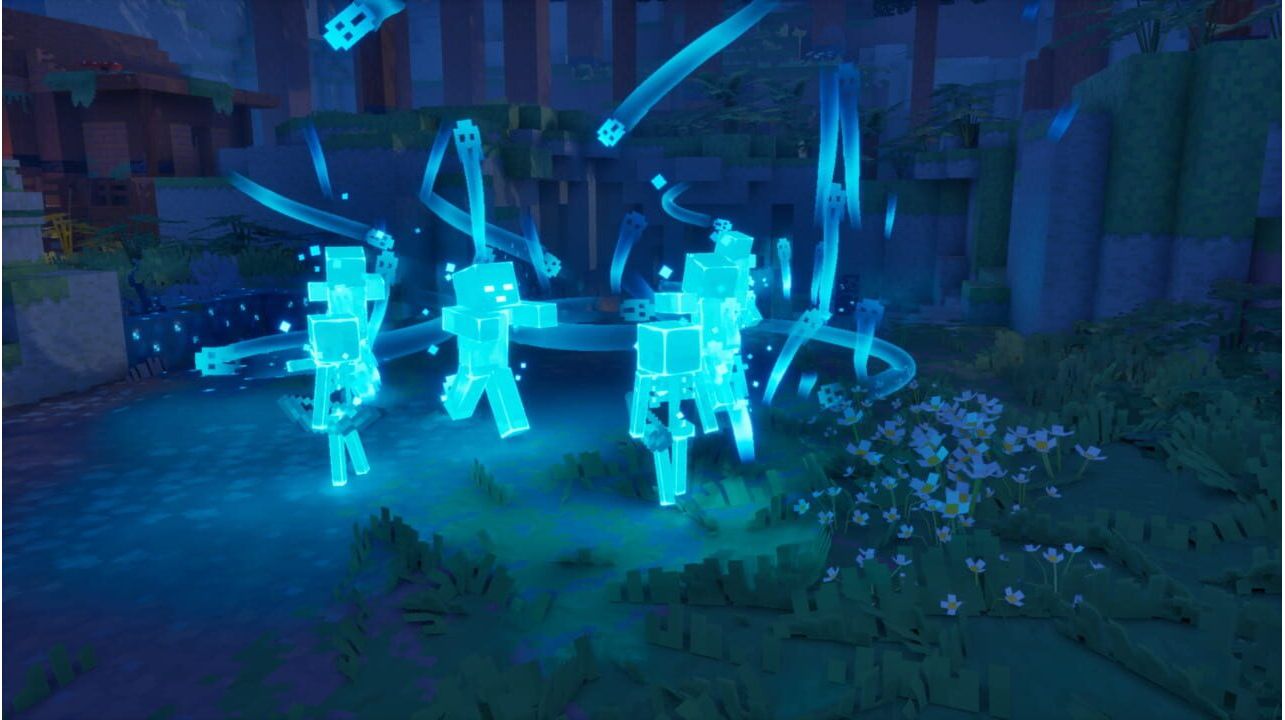
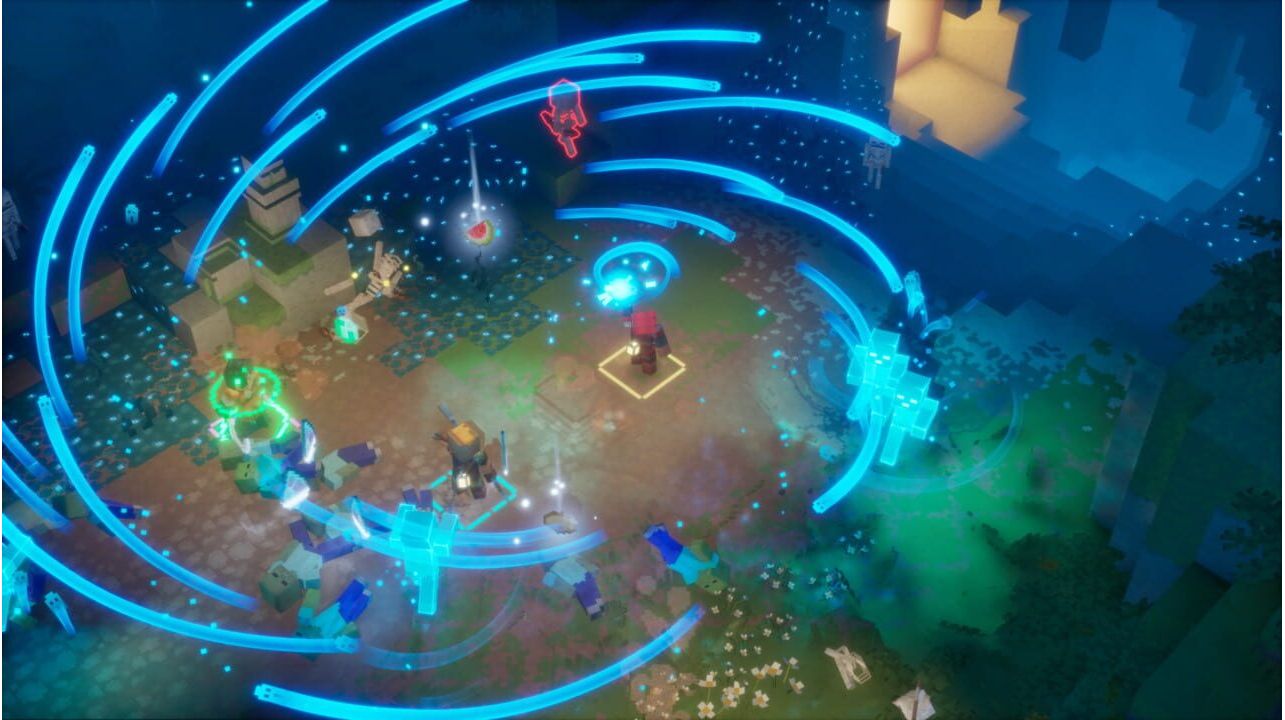
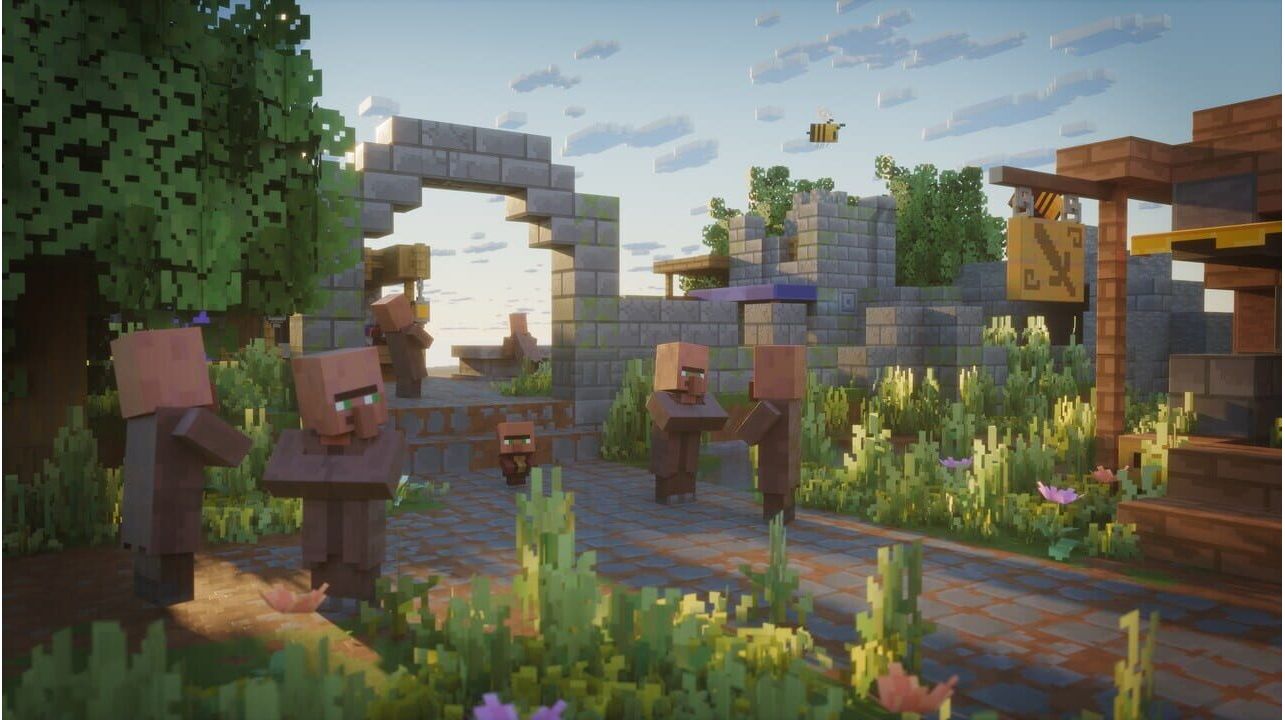
Laissez tomber votre pioche, emparez-vous de votre épée et embarquez pour une aventure palpitante dans Minecraft Dungeons II. Explorez des contrées inexplorées et des lieux mystérieux pour stopper un nouveau mal qui sème le chaos dans deux mondes ! Affrontez des ennemis redoutables lors de combats explosifs et frayez-vous un chemin à travers des hordes de créatures qui feront tout pour vous empêcher de sauver la situation.
Activation — Хbox Store
Online:
- If you have an account on Xbox Live simply log in to your account on https://redeem.microsoft.com, and enter the 25-digit code.
- If you need to get an account - Go to live.xbox.com and follow the steps to create a new account. Then go to https://redeem.microsoft.com, and enter the 25-digit code.
For Xbox One / Xbox Series X|S products:
- From the Home screen, scroll right to Store.
- Under Games, select Browse All Games
- Select Use a code. Or, say “Xbox, use code.” (if you have Kinect)
- If prompted, sign in and select Enter the 25-character code.
- Use the onscreen keyboard to enter your 25-character code. Don’t worry about hyphens, the system takes care of those for you.
- Once your code is redeemed, you’ll receive a confirmation message.
Laissez tomber votre pioche, emparez-vous de votre épée et embarquez pour une aventure palpitante dans Minecraft Dungeons II. Explorez des contrées inexplorées et des lieux mystérieux pour stopper un nouveau mal qui sème le chaos dans deux mondes ! Affrontez des ennemis redoutables lors de combats explosifs et frayez-vous un chemin à travers des hordes de créatures qui feront tout pour vous empêcher de sauver la situation.
Online:
- If you have an account on Xbox Live simply log in to your account on https://redeem.microsoft.com, and enter the 25-digit code.
- If you need to get an account - Go to live.xbox.com and follow the steps to create a new account. Then go to https://redeem.microsoft.com, and enter the 25-digit code.
For Xbox One / Xbox Series X|S products:
- From the Home screen, scroll right to Store.
- Under Games, select Browse All Games
- Select Use a code. Or, say “Xbox, use code.” (if you have Kinect)
- If prompted, sign in and select Enter the 25-character code.
- Use the onscreen keyboard to enter your 25-character code. Don’t worry about hyphens, the system takes care of those for you.
- Once your code is redeemed, you’ll receive a confirmation message.