
Cart is empty

Minecraft Dungeons II (Xbox Series X|S & Win PC)
–10%








Delivery:
Activation code
Platform:
PC, Xbox Series X|S /
Xbox Live
Languages:
Multi-language
Region:
Region Free
Developer:
Xbox Game Studios
Publisher:
Xbox Game Studios
Release date:
September 29, 2026

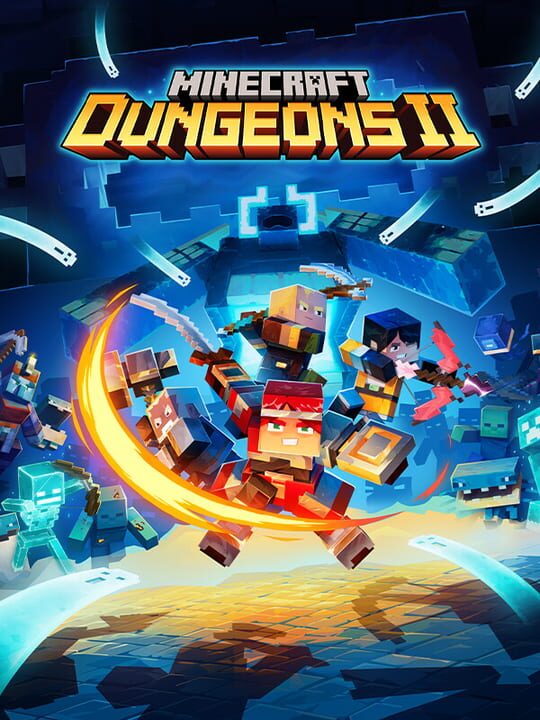
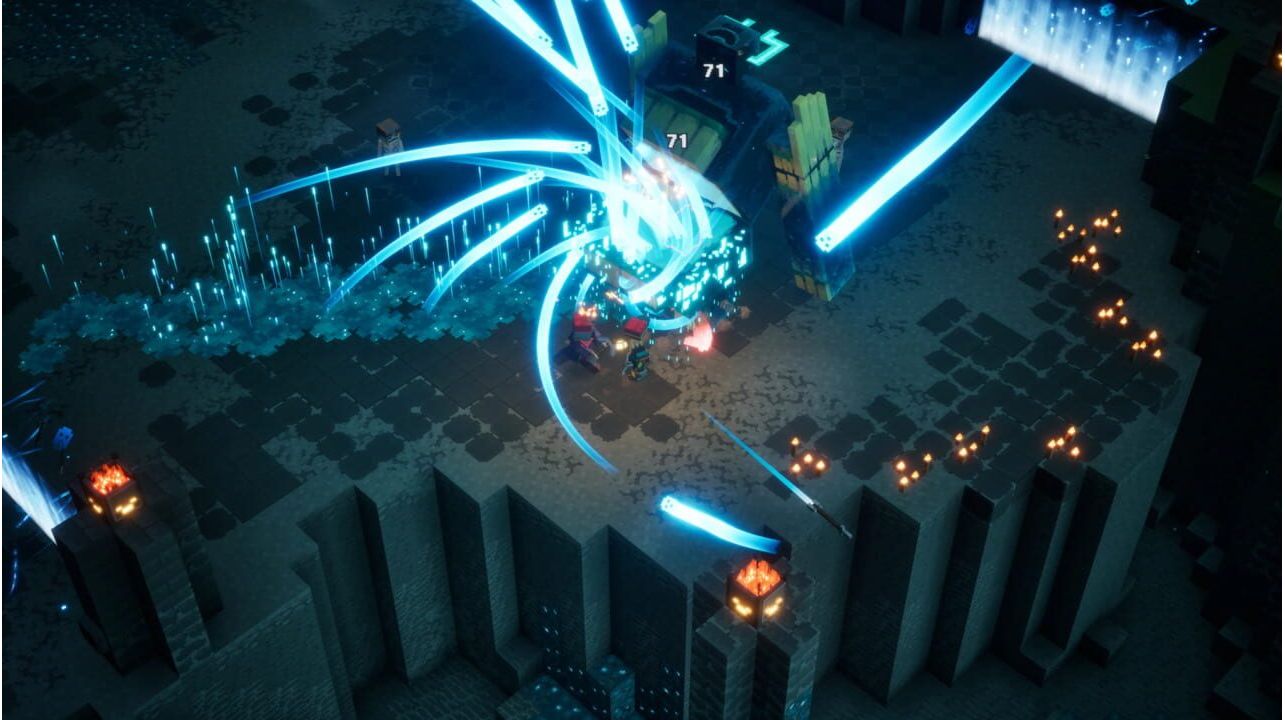
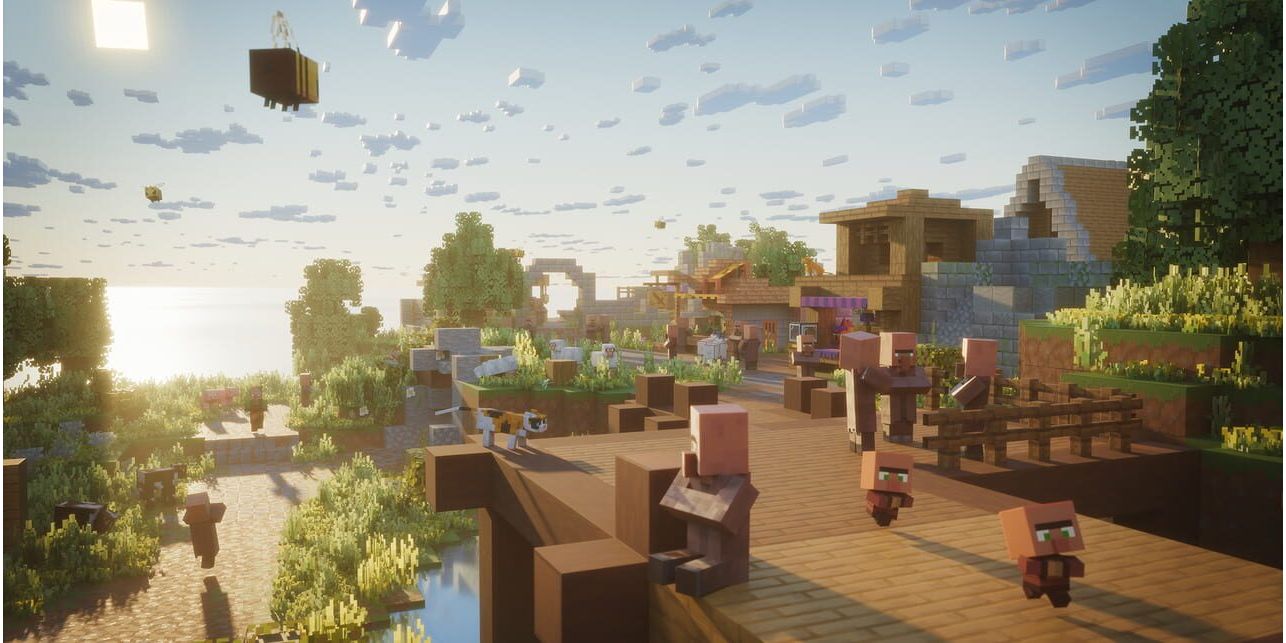
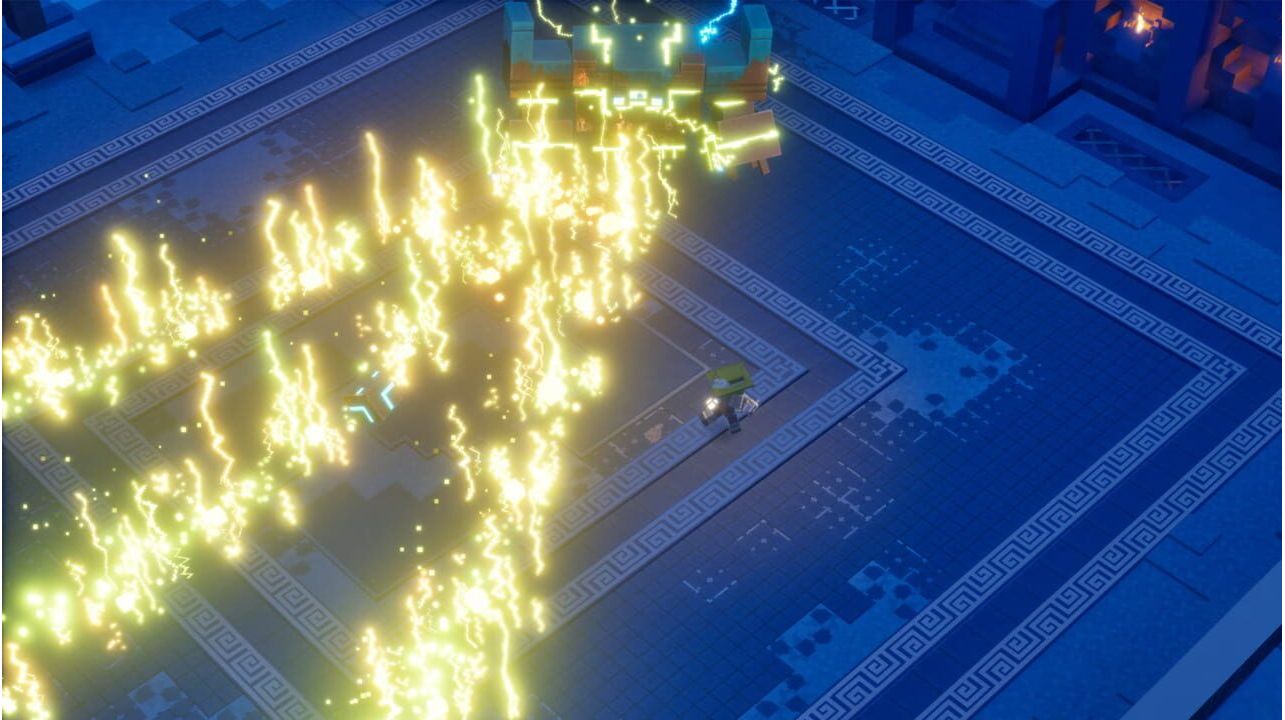
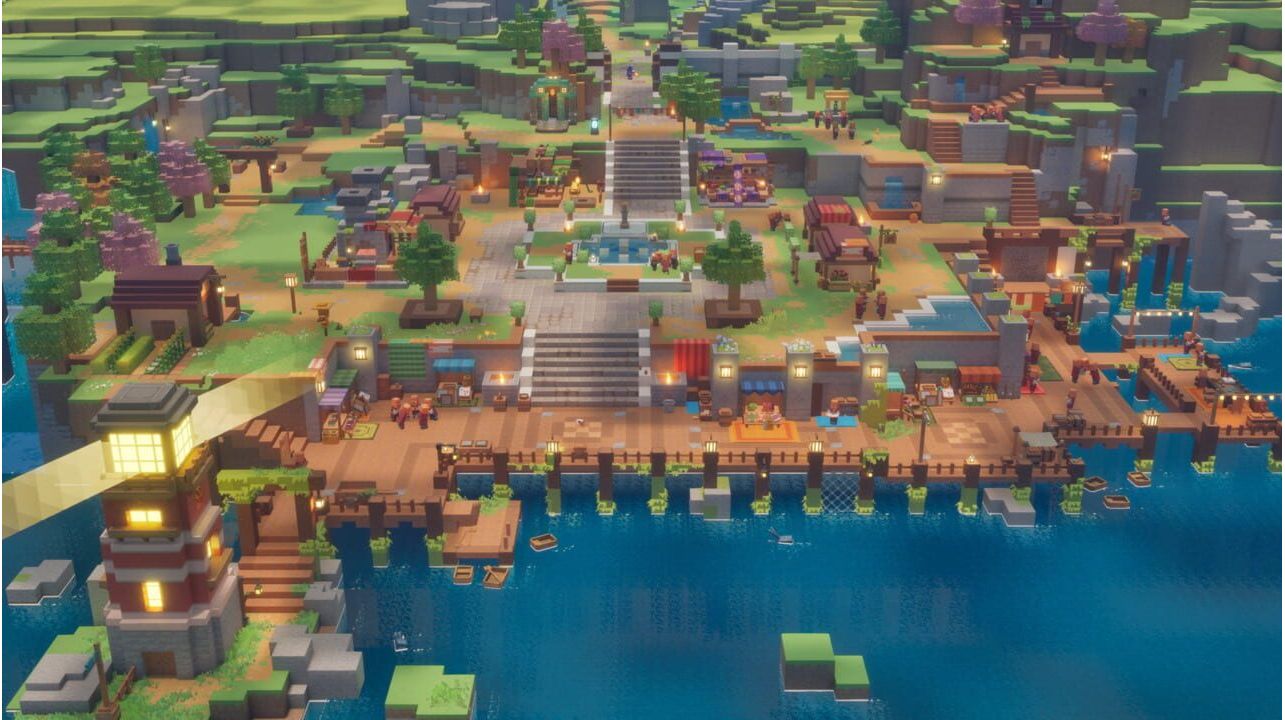
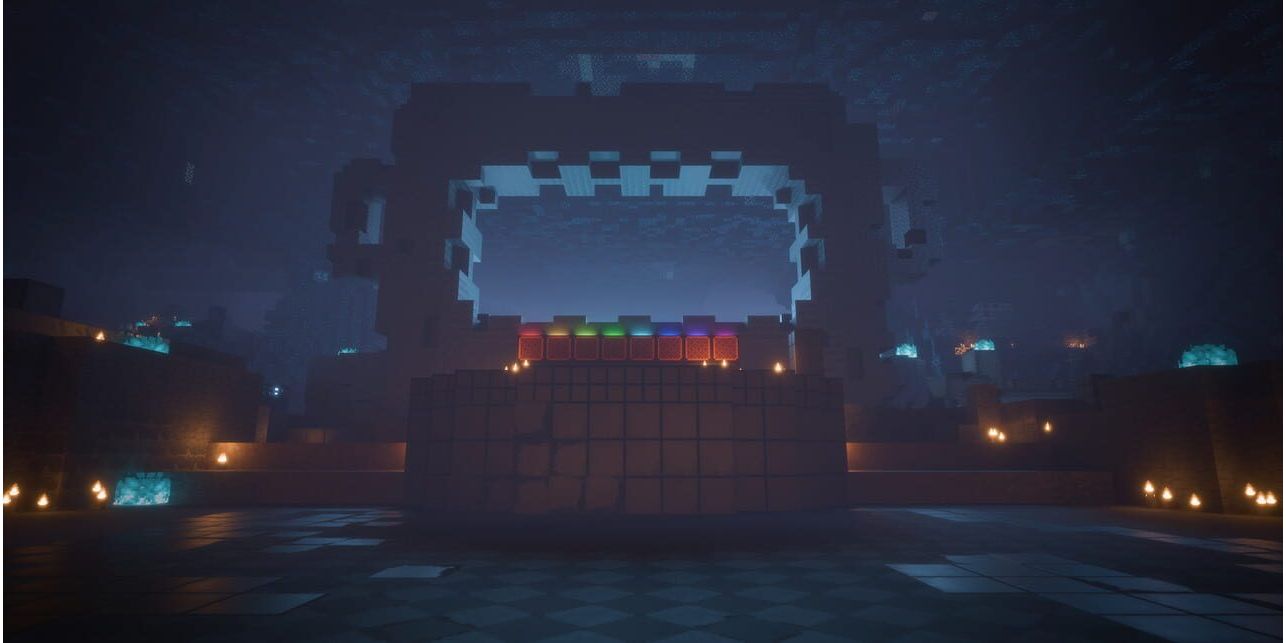
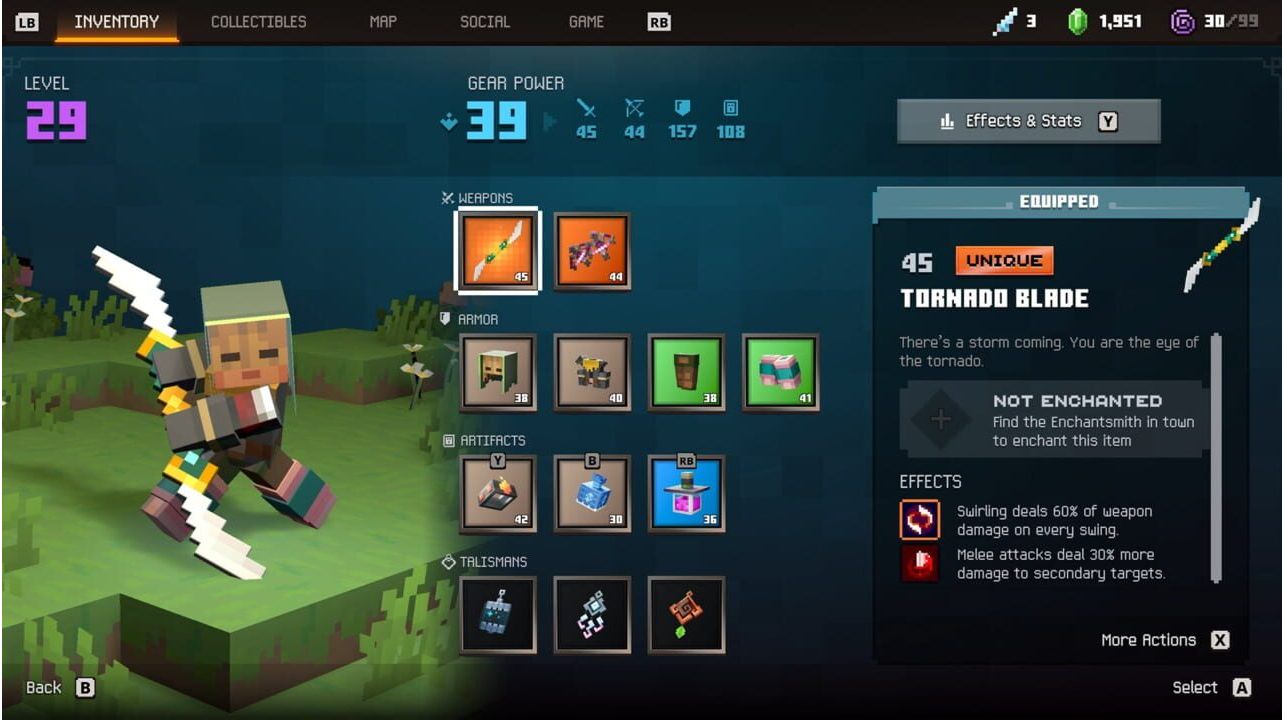
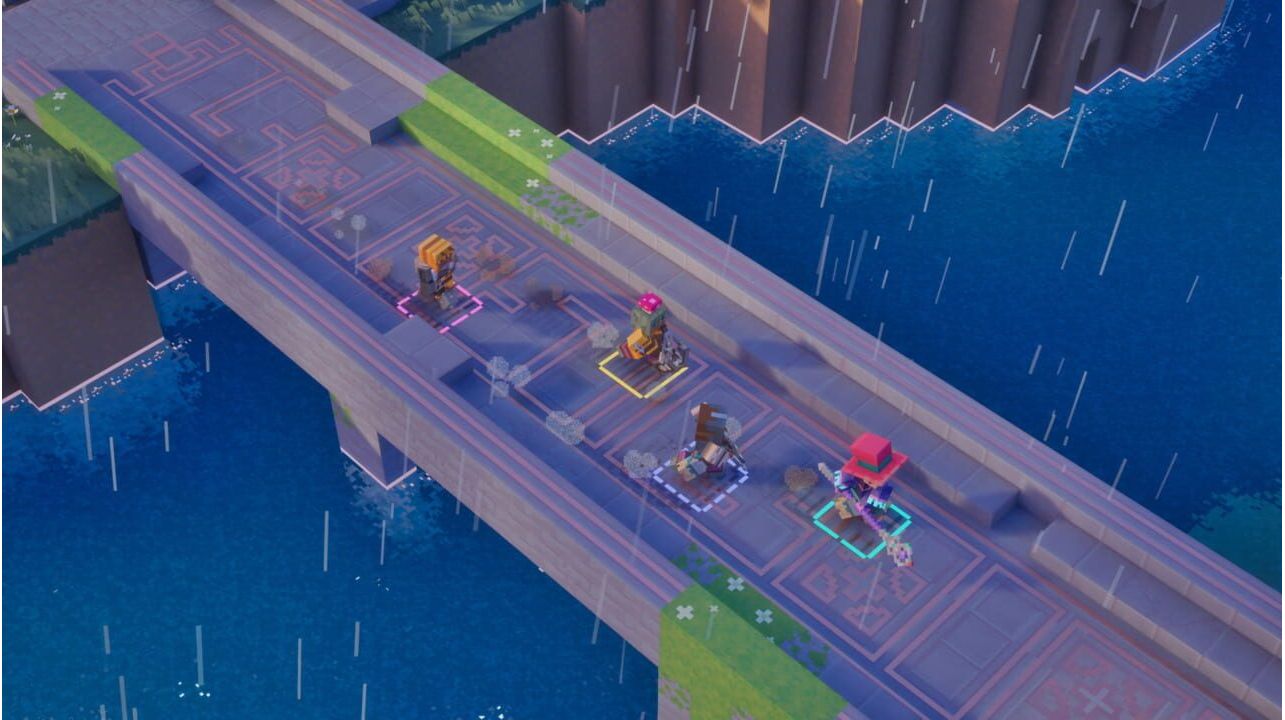
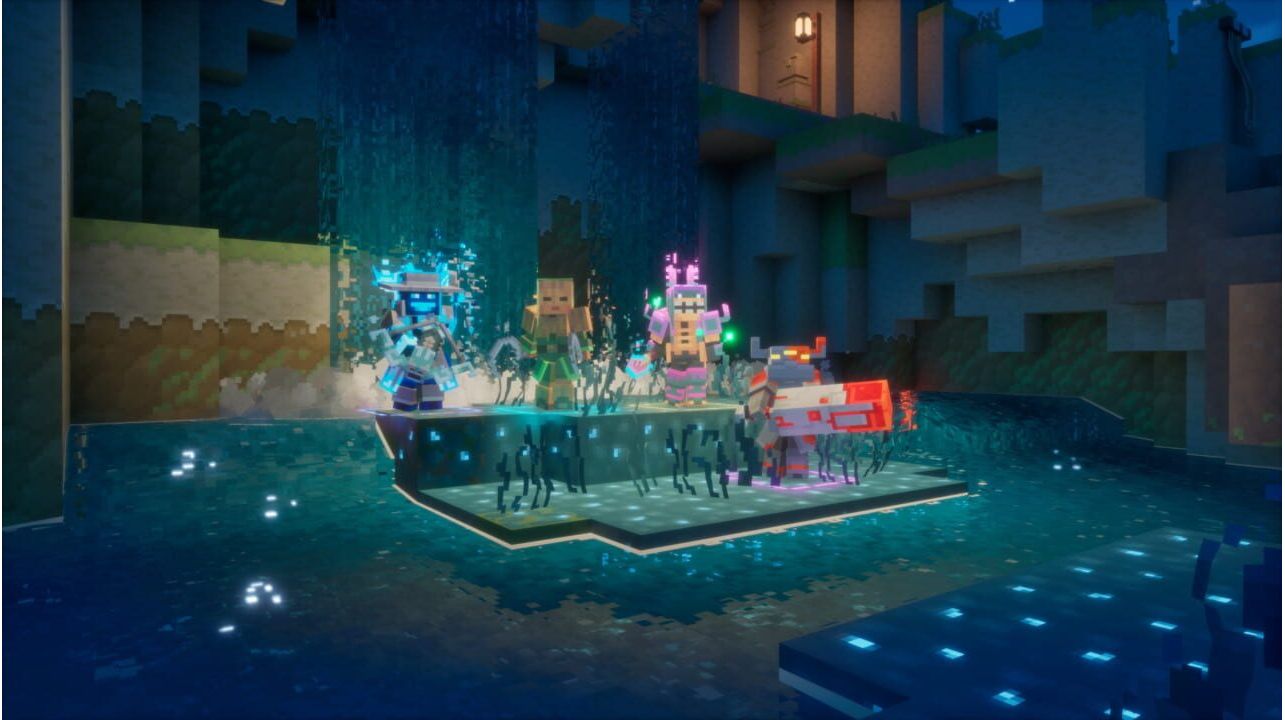
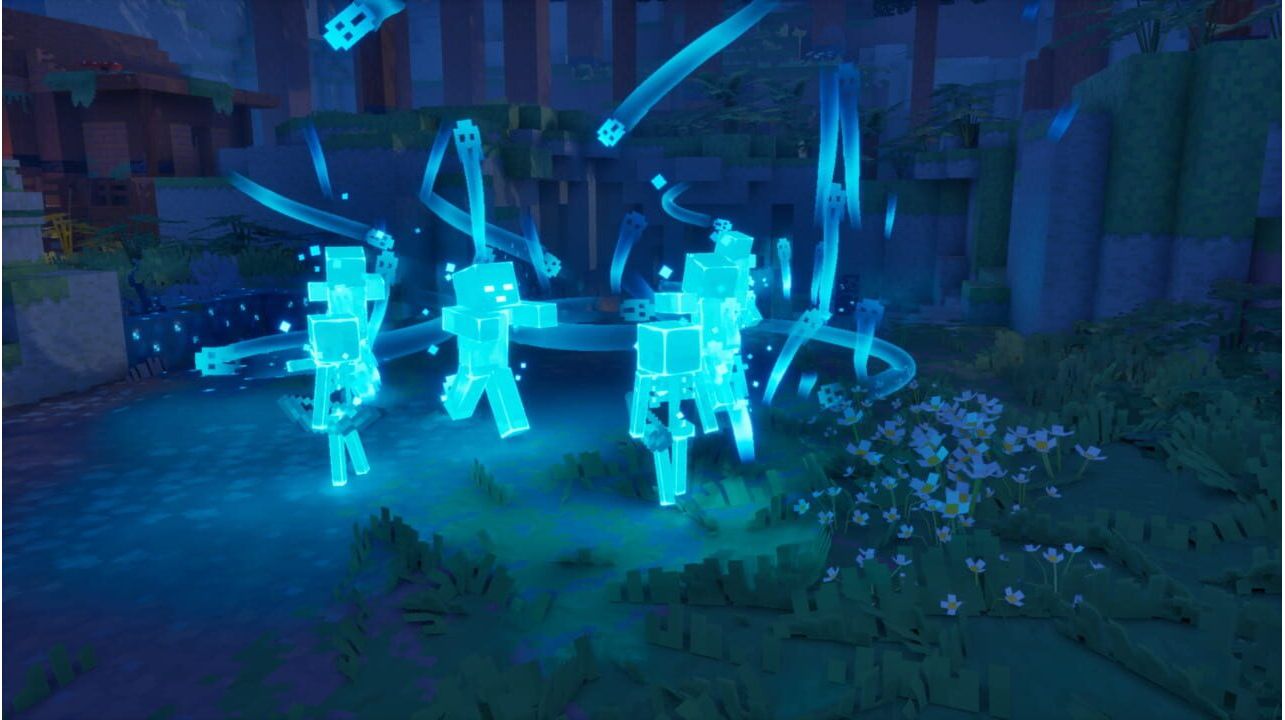
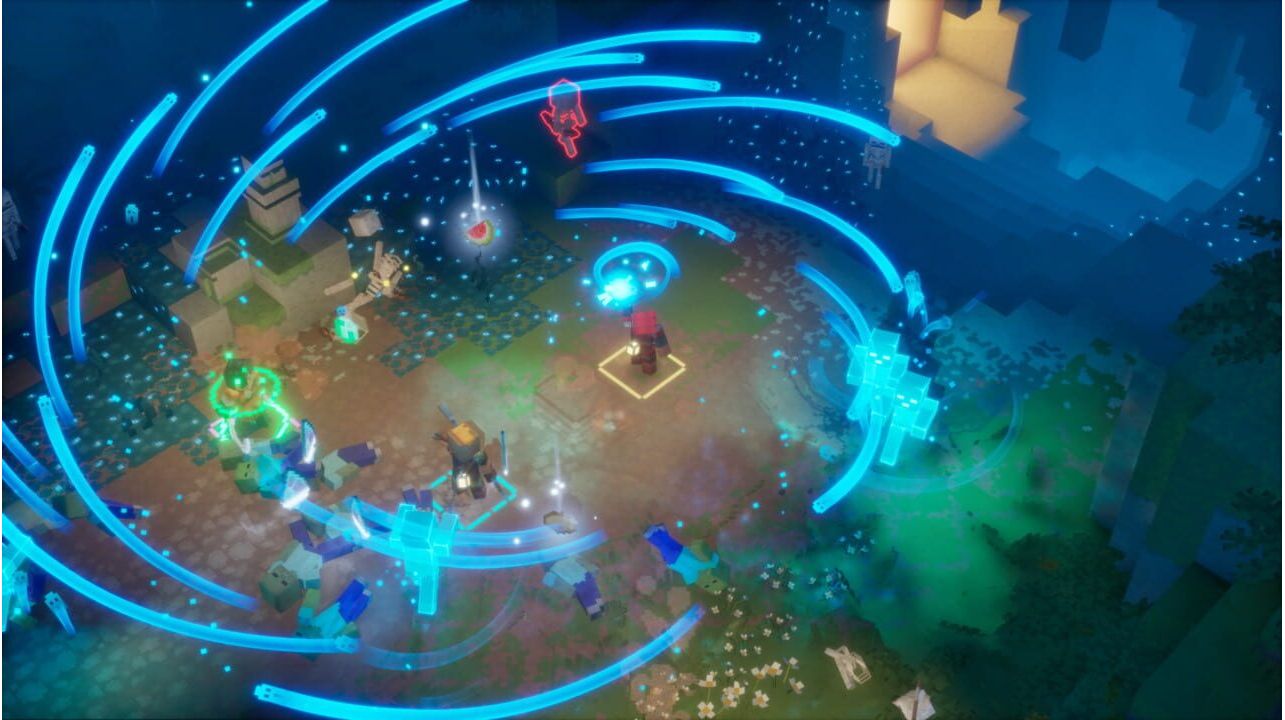
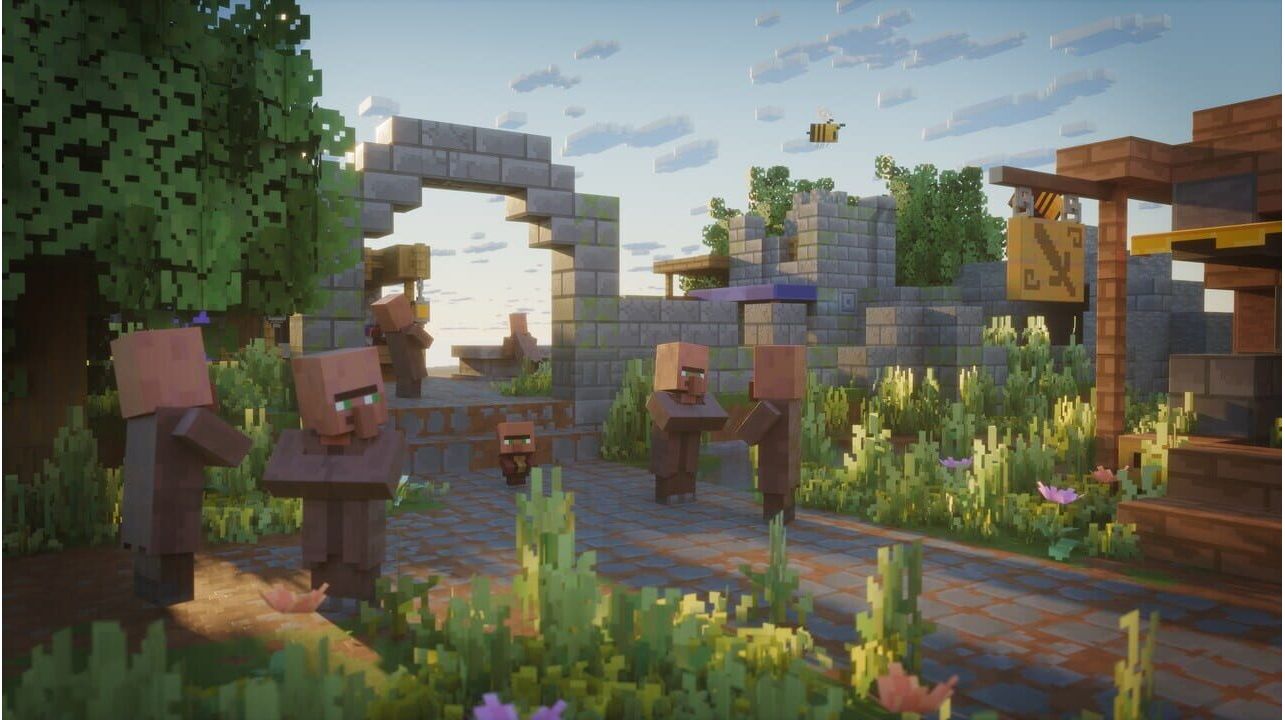
Throw down your pickaxe, grab your sword, and embark on a thrilling new adventure in Minecraft Dungeons II. Journey through uncharted lands and mysterious locations to stop a new evil wreaking havoc in not one, but two worlds! Battle fearsome enemies in explosive encounters and fight your way through hordes of mobs that will do everything in their power to prevent you from saving the day.
Activation - Хbox Store
Online:
- If you have an account on Xbox Live simply log in to your account on https://redeem.microsoft.com, and enter the 25-digit code.
- If you need to get an account - Go to live.xbox.com and follow the steps to create a new account. Then go to https://redeem.microsoft.com, and enter the 25-digit code.
For Xbox One / Xbox Series X|S products:
- From the Home screen, scroll right to Store.
- Under Games, select Browse All Games
- Select Use a code. Or, say “Xbox, use code.” (if you have Kinect)
- If prompted, sign in and select Enter the 25-character code.
- Use the onscreen keyboard to enter your 25-character code. Don’t worry about hyphens, the system takes care of those for you.
- Once your code is redeemed, you’ll receive a confirmation message.
Throw down your pickaxe, grab your sword, and embark on a thrilling new adventure in Minecraft Dungeons II. Journey through uncharted lands and mysterious locations to stop a new evil wreaking havoc in not one, but two worlds! Battle fearsome enemies in explosive encounters and fight your way through hordes of mobs that will do everything in their power to prevent you from saving the day.
Online:
- If you have an account on Xbox Live simply log in to your account on https://redeem.microsoft.com, and enter the 25-digit code.
- If you need to get an account - Go to live.xbox.com and follow the steps to create a new account. Then go to https://redeem.microsoft.com, and enter the 25-digit code.
For Xbox One / Xbox Series X|S products:
- From the Home screen, scroll right to Store.
- Under Games, select Browse All Games
- Select Use a code. Or, say “Xbox, use code.” (if you have Kinect)
- If prompted, sign in and select Enter the 25-character code.
- Use the onscreen keyboard to enter your 25-character code. Don’t worry about hyphens, the system takes care of those for you.
- Once your code is redeemed, you’ll receive a confirmation message.